


| App Name | Турнир Чемпионов 2 |
| Developer | Everest Global Games |
| Category | Card |
| Size | 353.6 MB |
| Latest Version | 1.15 |
| Available on |
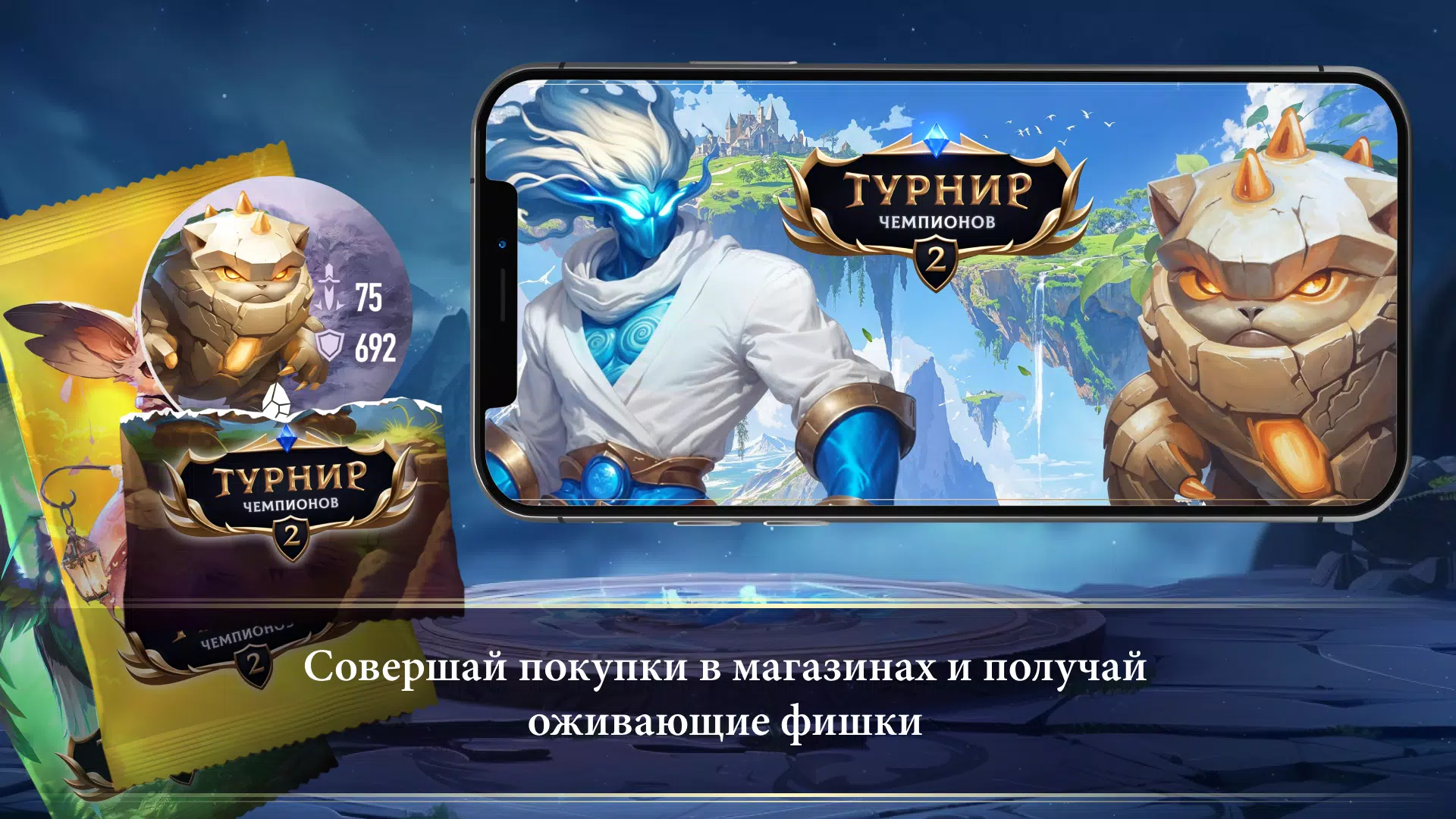


Tournament of Champions 2: The clash between two islands has begun! Bring your heroes to life!
Tournament of Champions 2 lets you activate new champions, artifacts, flags, and elemental crystals, add them to your collection, and join a fresh battle between two islands! Collect new Wind and Stone elements and evolve all your champions!
To add a chip (champion, artifact, etc.) to your collection, you need to:
1) Open the Tournament of Champions 2 app
2) Press the “Scan chip” button on the main menu
3) Once the camera activates, point your device's camera at the QR code on the back of the chip. Ensure the room is well-lit and the QR code is clearly visible.
4) If done correctly, you'll see a confirmation message that the chip has been added to your collection.
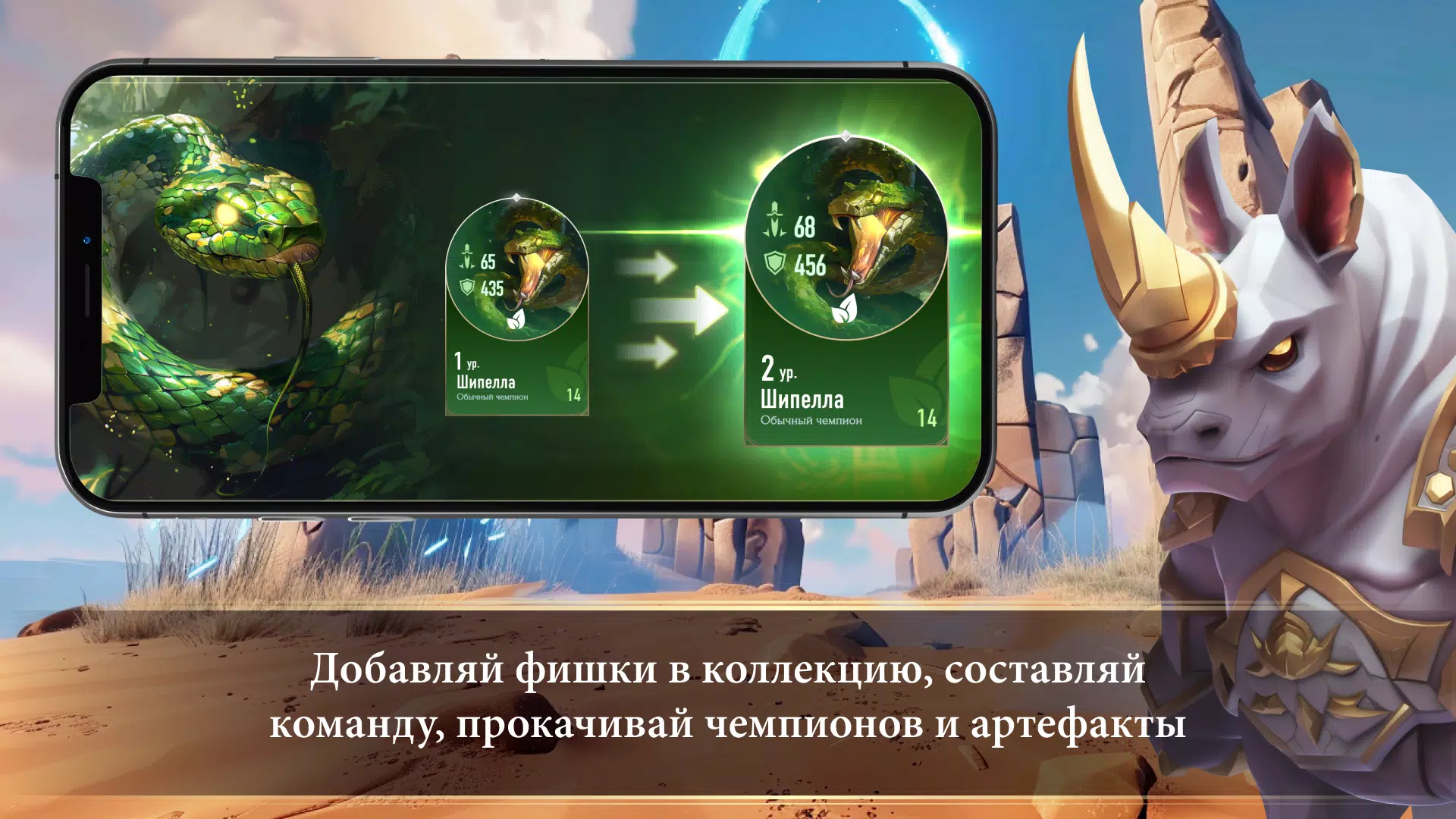
To grow stronger, remember to level up your champions, evolve them, and equip artifacts from your collection.
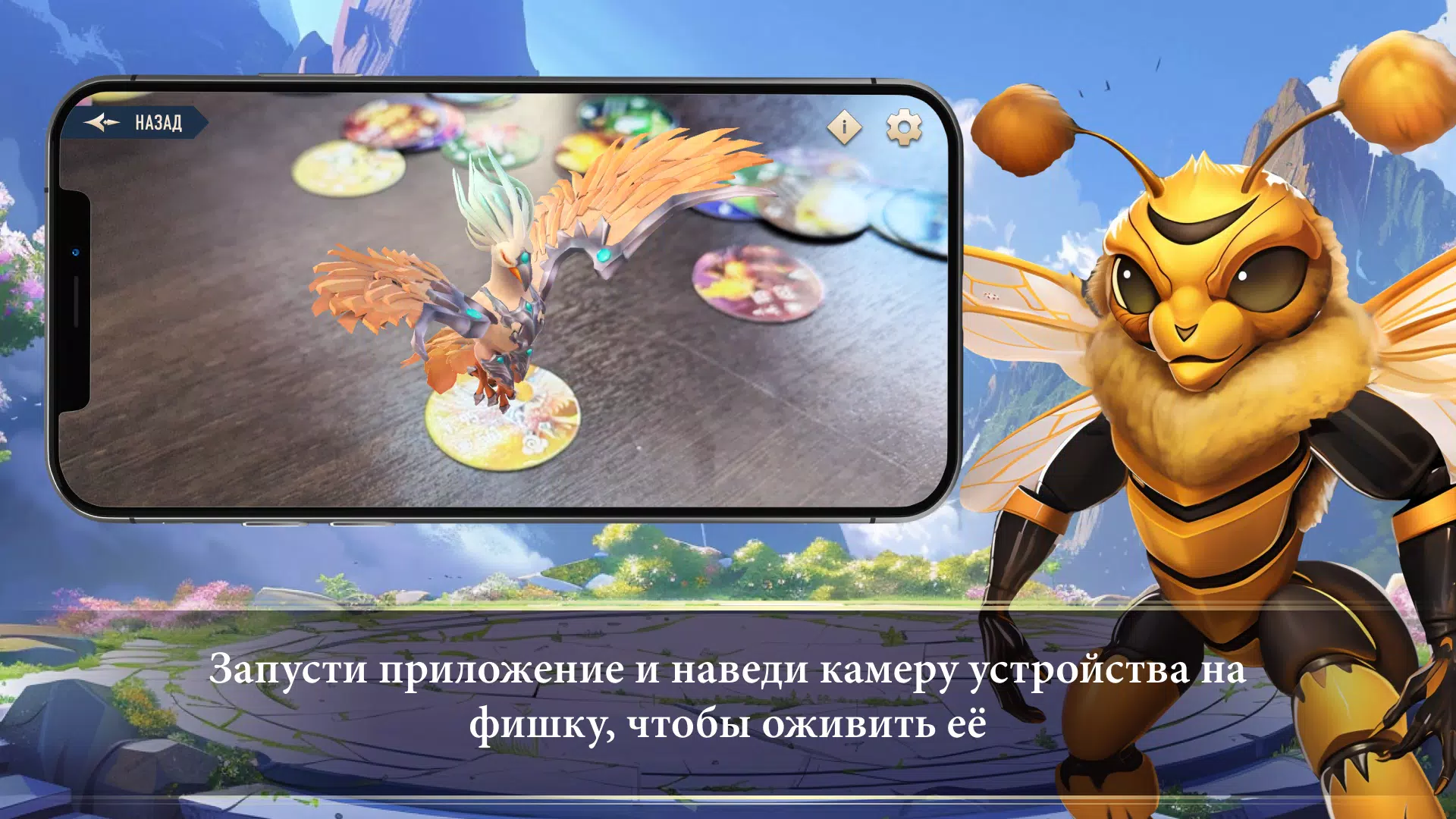
To activate a chip, follow these steps:
1) Launch the Tournament of Champions 2 app
2) Tap the “Revive chip” button on the main menu
3) After the camera activates, point your device's camera at the front of the chip. Make sure the room is bright, the chip is placed flat, and there is no glare.
4) If successful, the champion or item will appear on your screen.
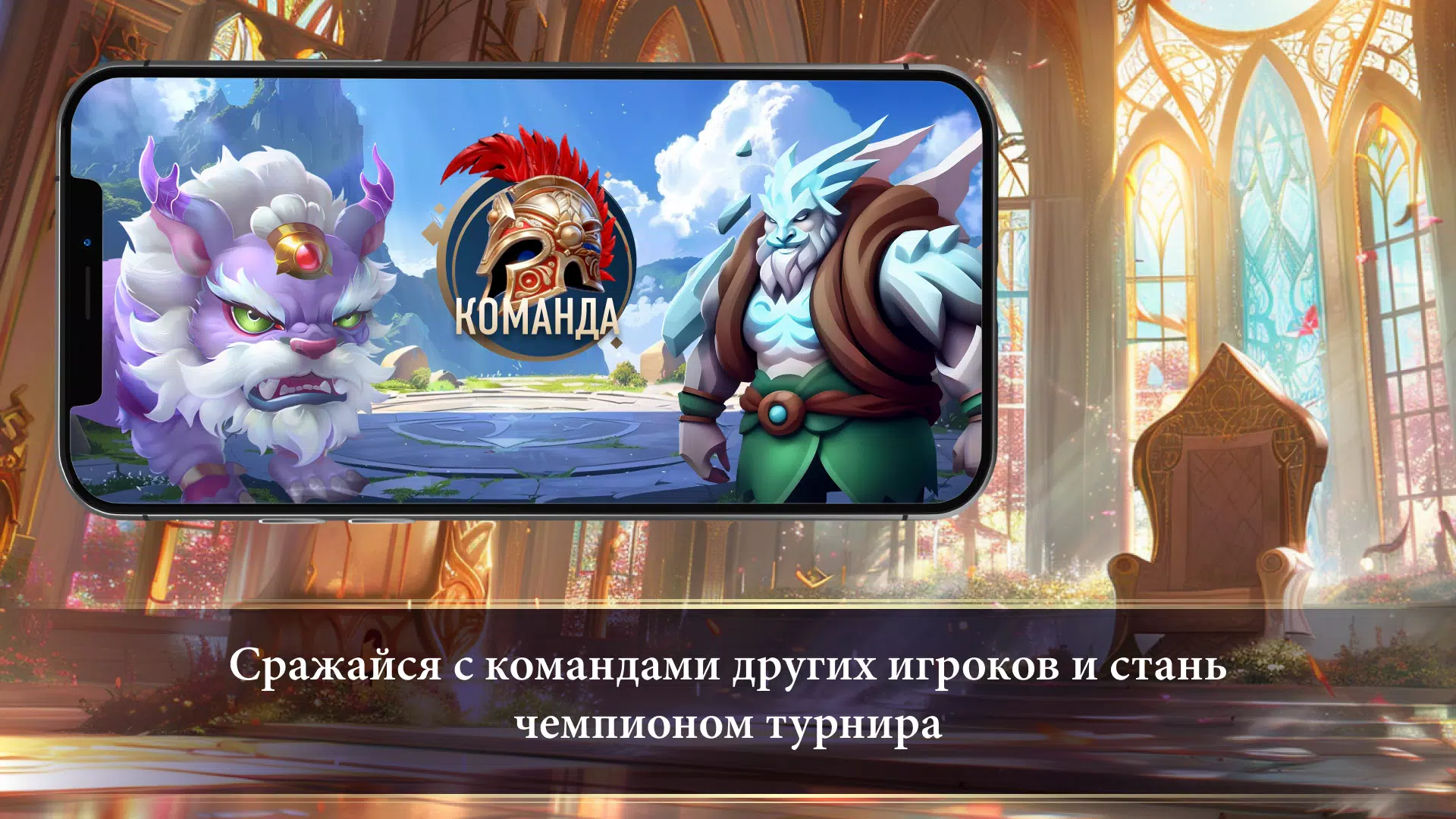
Build the ultimate team, upgrade all your heroes, and become the champion of the two-island tournament!
For any questions: [email protected]
https://retailloyalty.pro/
-
 2025 Gacha Games: Full Release List
-
 Azure Latch Codes (March 2025)
-
 Black Ops 6 Zombies: How To Configure The Summoning Circle Rings on Citadelle Des Morts
-
 Roblox: SpongeBob Tower Defense Codes (January 2025)
-
 Persona 5: Phantom X Playtest Leaks on SteamDB
-
Chimera Clan Boss Guide: Top Builds, Masteries, and Gear for RAID: Shadow Legends