Minecraft: Ultimate Guide to Mob Elimination
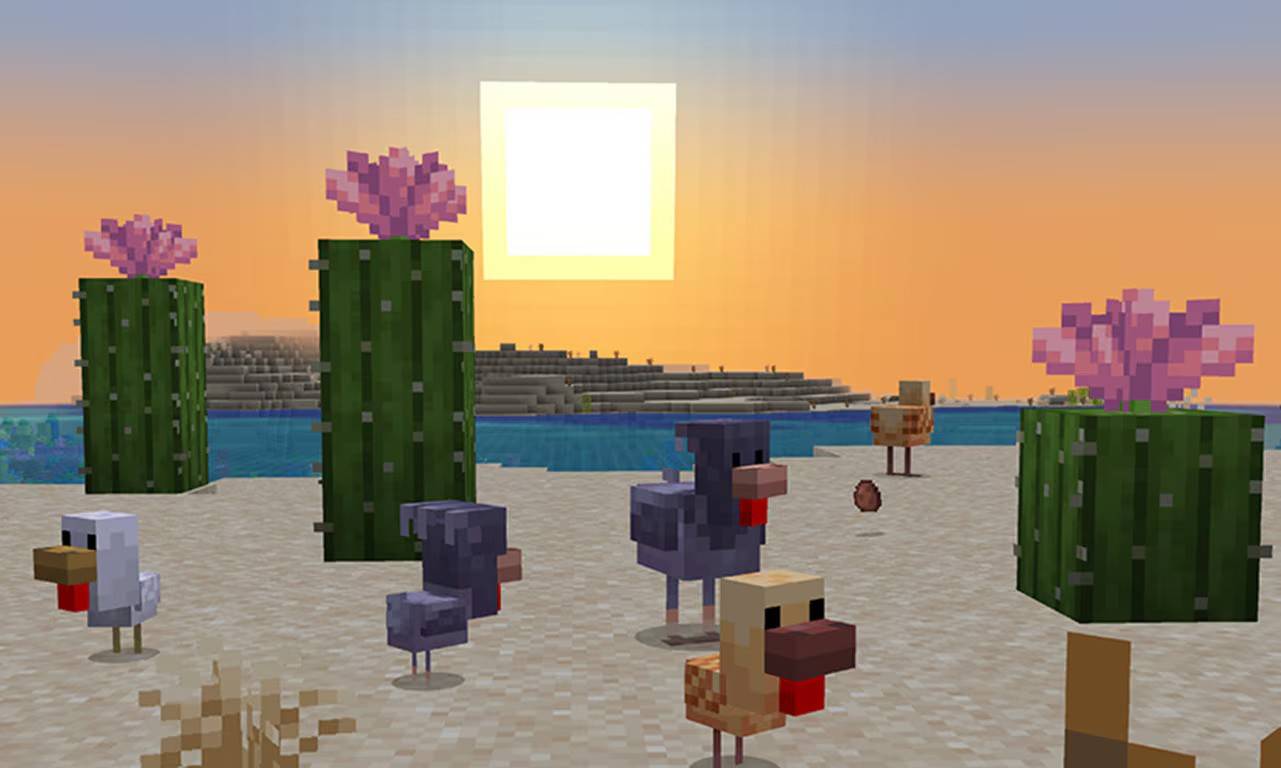
Mastering Minecraft Mob Elimination: A Comprehensive Guide to the /kill Command
There are many reasons why you might want to eliminate mobs in Minecraft. The most straightforward method involves using commands, specifically the /kill command. However, even this simple command has some nuances. This guide explains how to use it effectively.
Before You Begin: Enabling Cheats
The /kill command requires a world with cheats enabled. If cheats aren't already on, follow these instructions:
Java Edition:
- Enter your world.
- Press Esc.
- Select "Open to LAN."
- Toggle "Allow Commands" to "On."
Remember: This enables cheats only for that session. To permanently enable cheats, create a copy of your world with cheats enabled during the world creation process.

Bedrock Edition:
- Navigate to your worlds.
- Select the world and click the pencil icon.
- In the settings menu, toggle "Cheats" to "On."

Using the /kill Command
The basic /kill command is /kill, but this will kill you. To target mobs, you need to add selectors.
-
Kill All Mobs (Except the Player):
/kill @e[type=!minecraft:player](@eselects all entities;type=!minecraft:playerexcludes the player.) -
Kill Specific Mob Types:
/kill @e[type=minecraft:chicken](Replaceschickenwith the desired mob type.) -
Kill Mobs Within a Radius:
- Java Edition:
/kill @e[distance=..15](Kills mobs within 15 blocks.) - Bedrock Edition:
/kill @e[r=10](Kills mobs within 10 blocks.)
- Java Edition:
-
Kill Specific Mobs Within a Radius:
- Java Edition:
/kill @e[distance=..15,type=minecraft:sheep] - Bedrock Edition:
/kill @e[r=10,type=minecraft:sheep]
- Java Edition:
The game will autocomplete commands, so precise memorization isn't necessary.
Important Selectors:
@p: Nearest player@r: Random player@a: All players@e: All entities@s: Yourself
Minecraft is available on PlayStation, Xbox, Nintendo Switch, PC, and mobile devices.
-
 garten banban 4 coloringWelcome to Garten Banban 4 Coloring – the definitive coloring adventure for every fan of the Garten of BanBan universe! Dive into a vast collection of pages featuring beloved characters like Jumbo Josh, The Jester, and the Kangaroo, ensuring endless
 -
 Were Never Seen AgainAmidst the serene calm of nature, where laughter and innocence once flourished, the app "Were Never Seen Again" reveals a bone-chilling narrative. A group of carefree college sophomores embarks on what seems a perfect camping getaway, unaware of the
 -
 My Mobile Secure VPNIntroducing My Mobile Secure VPN, the ultimate app to shield your phone from hackers and unauthorized surveillance. Whether you're browsing from a café, hotel, or park, using public Wi-Fi without a VPN exposes your device to security risks. With our
 -
 Dommy MommyDommy Mommy is a uniquely engaging app that immerses you in the chaotic yet charming life of a devoted mother and her lively children. This short adult visual novel skillfully blends heartfelt moments with playful mischief, delivering a rich, intera
 -
 DominionWelcome to Dominion, an immersive storytelling app that takes you on an emotional journey of self-discovery and healing. In this gripping narrative, you play the role of a young individual who has faced immense challenges within their family dynamics
 -
 Holla Vpn + GFX ToolsDiscover Holla VPN + GFX Tools! This application is your all-in-one solution for fast, secure internet connectivity. Enjoy unlimited access to free VPN servers, enabling you to browse favorite websites and maintain anonymity online. Whether you need