

Home > Apps > Communication > Auto RDM: Recover Messages

| App Name | Auto RDM: Recover Messages |
| Developer | ZipoApps |
| Category | Communication |
| Size | 21.49M |
| Latest Version | 2.0.2 |
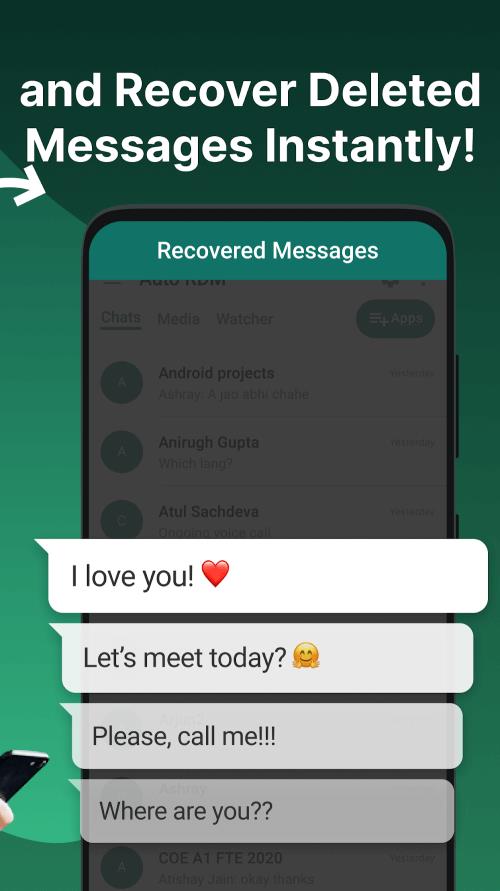
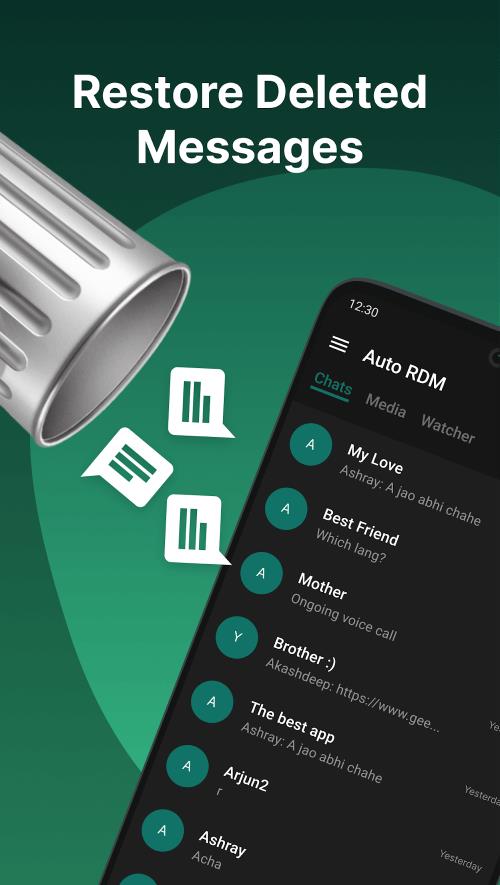


Auto RDM makes sure you never lose important messages on your favorite chat apps by letting you easily restore deleted texts and media files. This powerful recovery tool scans your notifications to retrieve everything from messages to images, videos, and stickers—offering a complete message restoration solution.
Auto RDM Features:
> Recover deleted messages instantly and anonymously.
> Keep conversations secure with encryption.
> Scan notifications to restore deleted texts.
> Easily get back all lost media files.
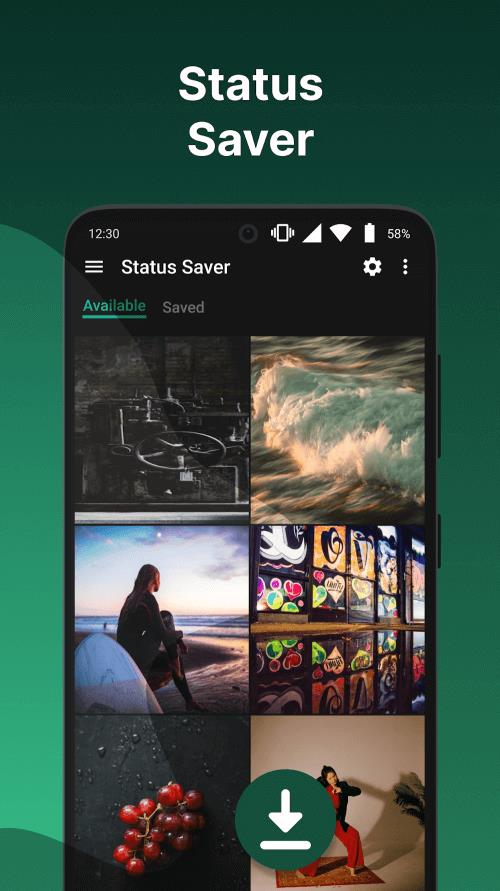
> Save status updates, photos, and videos.
> Share messages with non-contacts, forward chats, and copy text quickly.
How It Works
Auto RDM is a helpful Android tool that recovers deleted texts and media from messaging apps. It supports most popular platforms and is optimized for WhatsApp. The app actively saves messages right after they're sent, so even if others delete them on their end, you won't miss out on disappearing chats, photos, or voice messages.
You can restore deleted messages within seconds using the app. Recover all types of shared media like photos, videos, audio, GIFs, and stickers. Activate the built-in status saver for images and videos. Chat directly inside Auto RDM without switching apps. Enable Dark Mode to use app features without eye strain. And much more.
Requirements
Interested in Auto RDM? Get the free version from 40407.com—fully accessible for Android users with plenty of message recovery features. For an ad-free experience with all features unlocked, you'll need the paid version.
We also recommend updating your Android device to the latest OS, ideally Android 5.1 or newer. This ensures better performance and compatibility, especially with future updates.
Auto RDM requires certain permissions to function properly, so please allow the necessary access when first launching the app.
Note: Auto RDM won’t work in muted chats or if you're actively viewing the conversation. Disabled app notifications will also prevent recovery. Additionally, messages deleted before installing the app can’t be restored since Auto RDM only saves incoming messages after installation.
What's New
- Added delete all option for Recovered Media
- Added multi-delete for monitored apps
- Bug fixes
- Fixed crash during permission granting
-
 2025 Gacha Games: Full Release List
-
 Azure Latch Codes (March 2025)
-
 Black Ops 6 Zombies: How To Configure The Summoning Circle Rings on Citadelle Des Morts
-
 Roblox: SpongeBob Tower Defense Codes (January 2025)
-
 Persona 5: Phantom X Playtest Leaks on SteamDB
-
Chimera Clan Boss Guide: Top Builds, Masteries, and Gear for RAID: Shadow Legends