

Home > Apps > Communication > Beeper: Universal Chat

| App Name | Beeper: Universal Chat |
| Developer | Beeper |
| Category | Communication |
| Size | 35.90M |
| Latest Version | 4.17.64 |
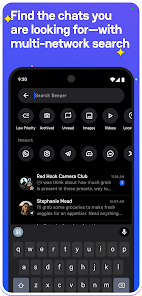
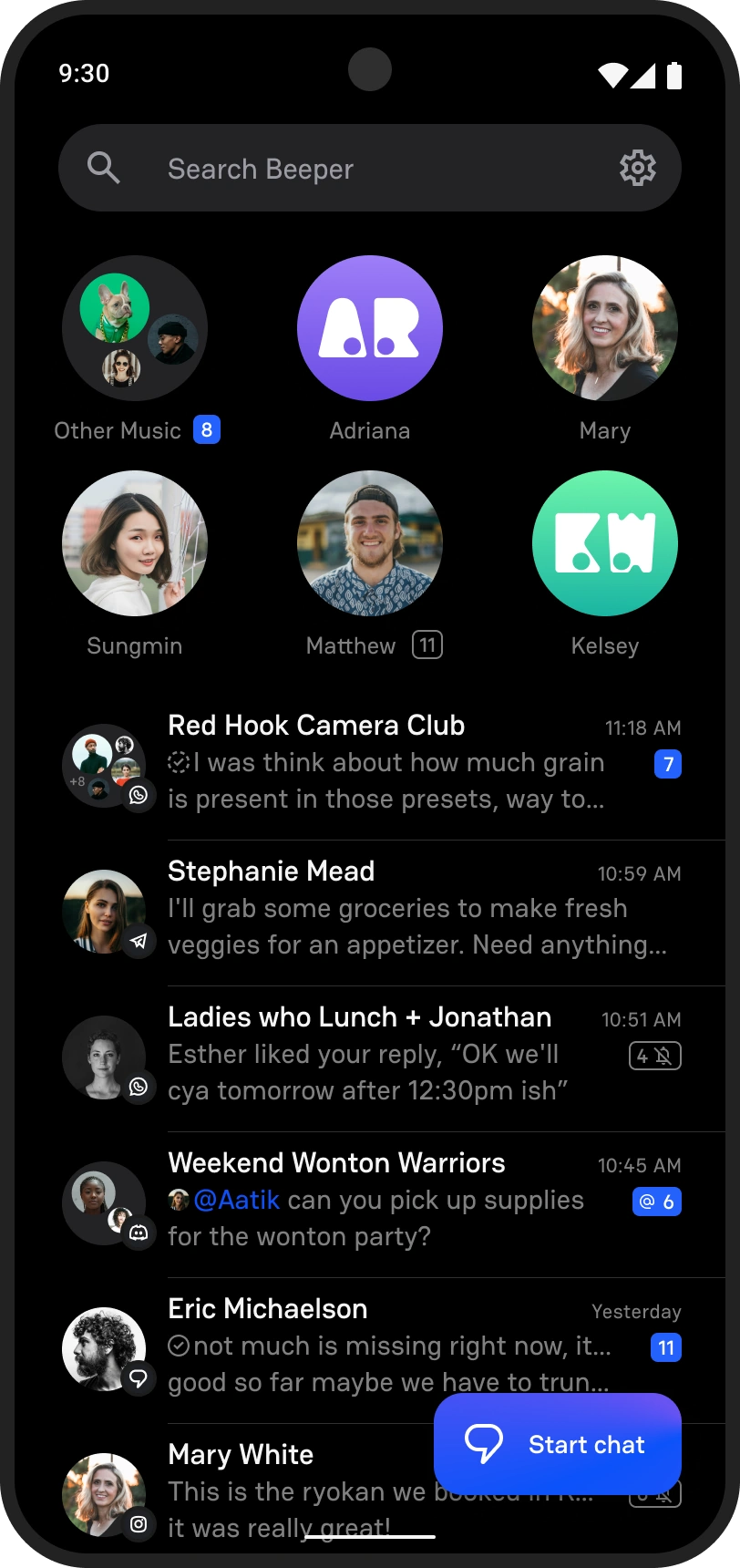
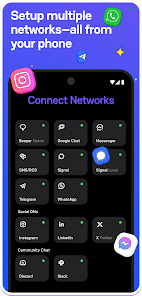


Beeper is an all-in-one messaging app that combines your favorite chat services into a single platform. It integrates SMS, WhatsApp, Facebook Messenger, Telegram, Twitter, and many others, so you can handle every conversation without switching between different apps.
Beeper Features: Universal Chat Made Easy
* Maximize Beeper’s cross-platform power by connecting all your messaging accounts. This centralizes your communication and lets you manage multiple conversations smoothly in one place.
* Easily share photos, videos, and files directly through the Beeper app. There’s no need to switch apps—just pick the file and send it, saving time and making media sharing simple.
* Quickly find old messages or specific chats using the built-in search. Just type keywords, dates, or contact names to filter results and get the information you’re looking for in seconds.
▶ Seamless Messaging Across Platforms
Stop switching between multiple messaging apps—Beeper brings them all together. Access WhatsApp, iMessage, Telegram, Twitter, and more through a single, user-friendly interface.
▶ Simplify Your Chat Experience
No more juggling separate apps and notifications. Beeper unifies over 15 messaging services into one inbox, so you can stay on top of personal and professional chats effortlessly.
▶ Encrypted And Secure Communication
Your privacy is a priority. Beeper encrypts all your messages, keeping conversations secure and private—whether you're chatting with friends or handling business discussions.
▶ Cross-Device Compatibility
Stay connected anywhere, on any device. Beeper syncs automatically across your phone, tablet, and computer, so you never lose track of a conversation, whatever platform you're using.
▶ Boost Your Productivity with Beeper
Managing chats across apps can be time-consuming. Beeper streamlines your messaging with powerful search tools and customizable alerts, so you stay focused and productive without the clutter.
Important Disclaimer:
Security Risks: Only download APK files from trusted websites to avoid malware. Always verify the source before installing.
Support Developers: Whenever possible, download apps through official stores to ensure you get genuine versions with full developer support.
How to Download and Install Beeper APK v4.17.64:
- Enable Unknown Sources: Go to Settings > Security and allow installation from “Unknown Sources” before installing the APK.
- Download the APK: Find Beeper APK v4.17.64 on a reliable website and download the file.
- Install the APK: Tap the downloaded file to launch the installer, then follow the instructions on your screen.
- Open the App: Once installed, open Beeper and log into your messaging accounts to get started.
Get Started with Beeper Today
Download Beeper now and step into the future of messaging. Stop switching between apps and start enjoying a smarter, more efficient way to connect with friends, family, and colleagues.
-
 2025 Gacha Games: Full Release List
-
 Azure Latch Codes (March 2025)
-
 Black Ops 6 Zombies: How To Configure The Summoning Circle Rings on Citadelle Des Morts
-
 Roblox: SpongeBob Tower Defense Codes (January 2025)
-
 Persona 5: Phantom X Playtest Leaks on SteamDB
-
Chimera Clan Boss Guide: Top Builds, Masteries, and Gear for RAID: Shadow Legends