

Home > Apps > Art & Design > Cut and move pictures

| App Name | Cut and move pictures |
| Developer | Xenia Smirnova |
| Category | Art & Design |
| Size | 29.8 MB |
| Latest Version | 4.5 |
| Available on |
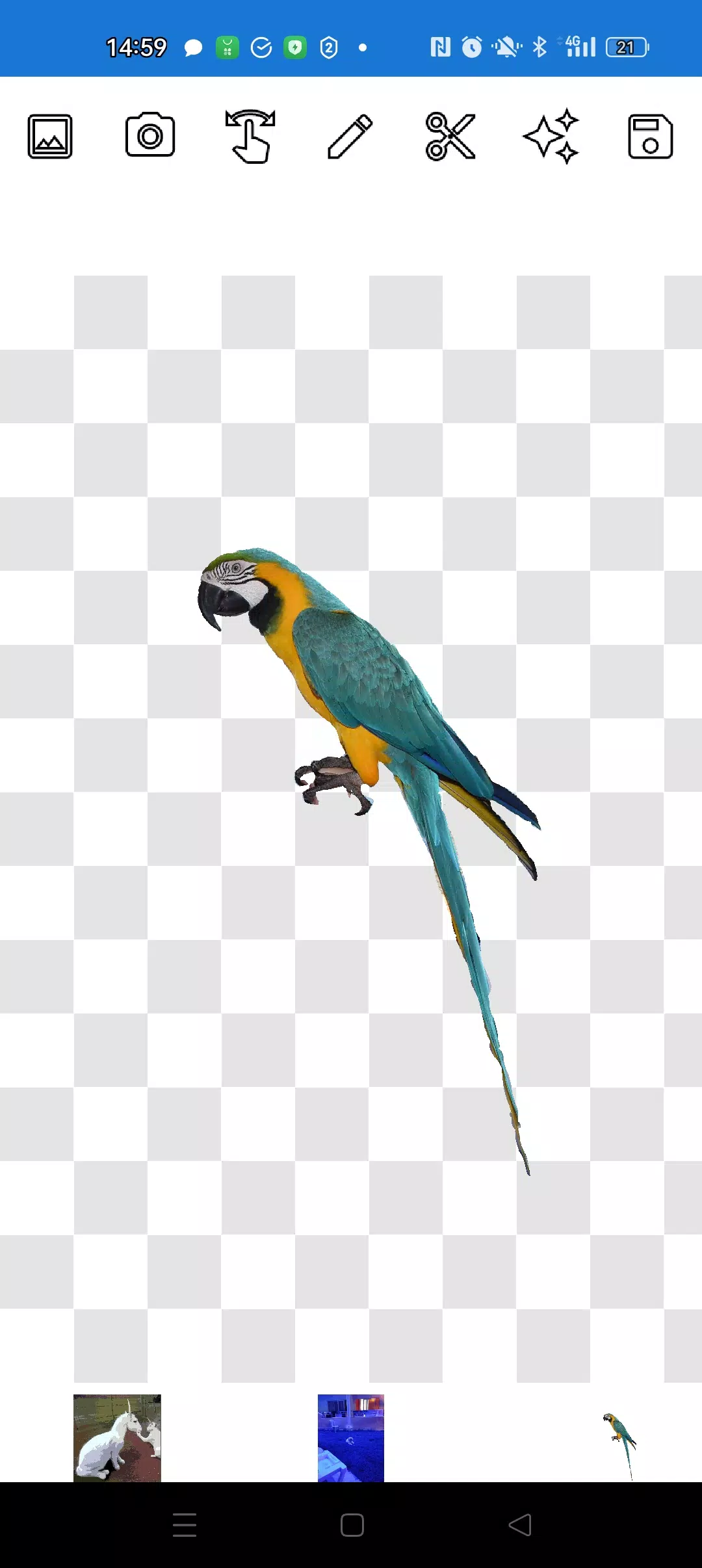


Discover the ease of photo editing with our straightforward image editor designed for cropping and overlaying photos. Our tool is equipped with simple, yet effective features, ensuring you have everything you need without the clutter of unnecessary extras!
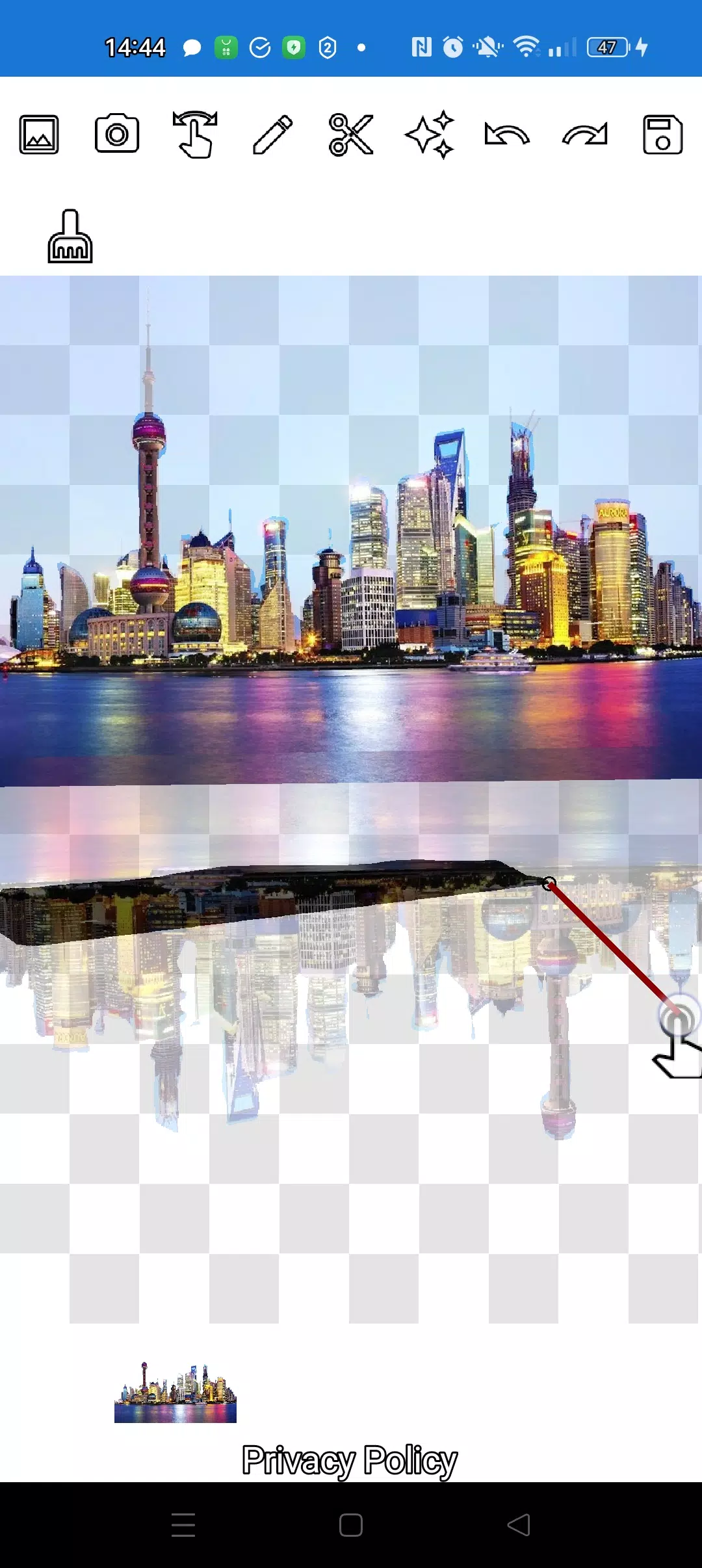
With our app, you can effortlessly cut out any object from a photo using our intuitive pencil ✏️ and lasso tools. Whether it's a tiny detail or a larger element, precision is at your fingertips. Adjust the pencil's width to your liking and set its transparency to medium for a translucent effect on your object. Fine-tune the edges by manipulating the transparency levels to achieve the perfect blend.
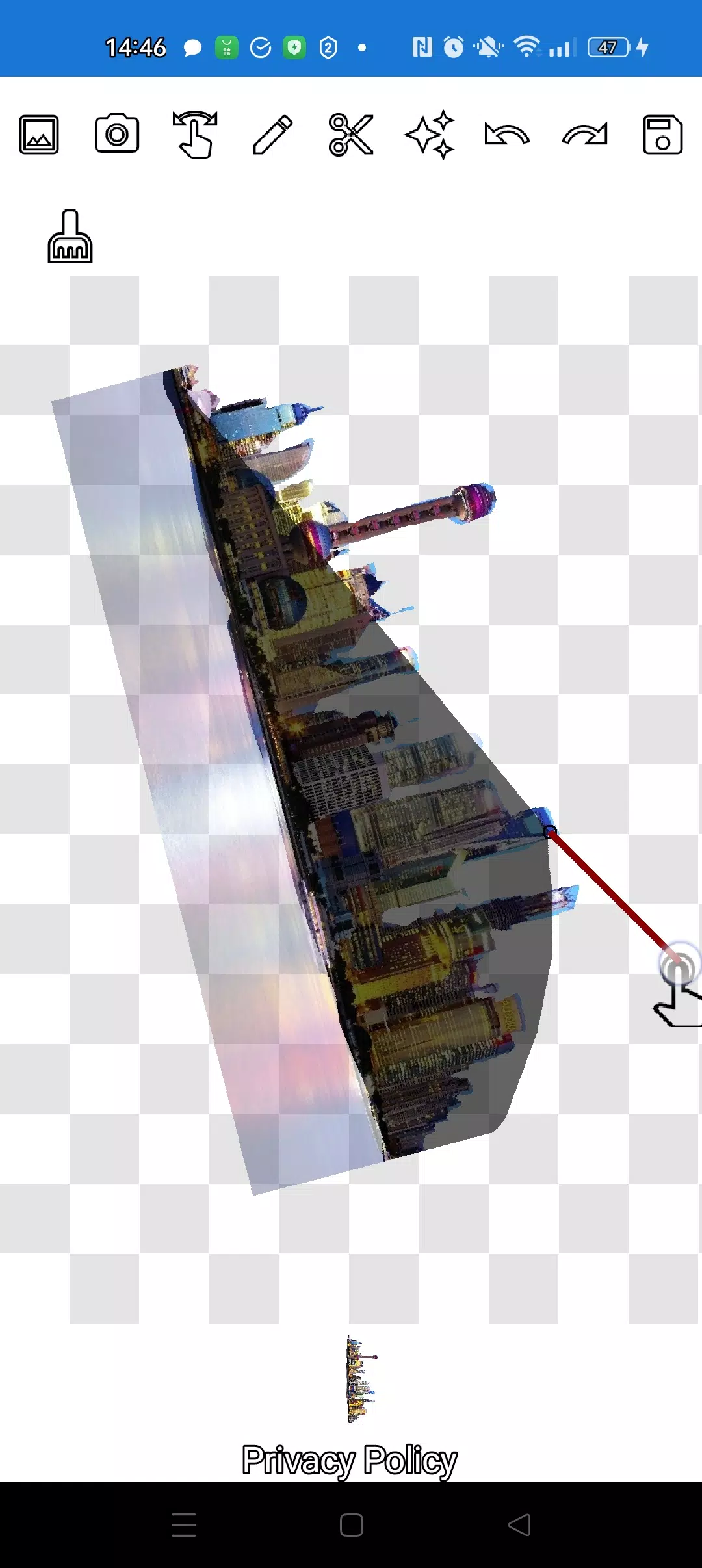
For those tricky, complex objects, zoom in using the manipulation mode and meticulously trace the outline with either the pencil or lasso. Our "magic" tool, conveniently located next to the save button, ensures your cut-out objects seamlessly integrate into their new background.
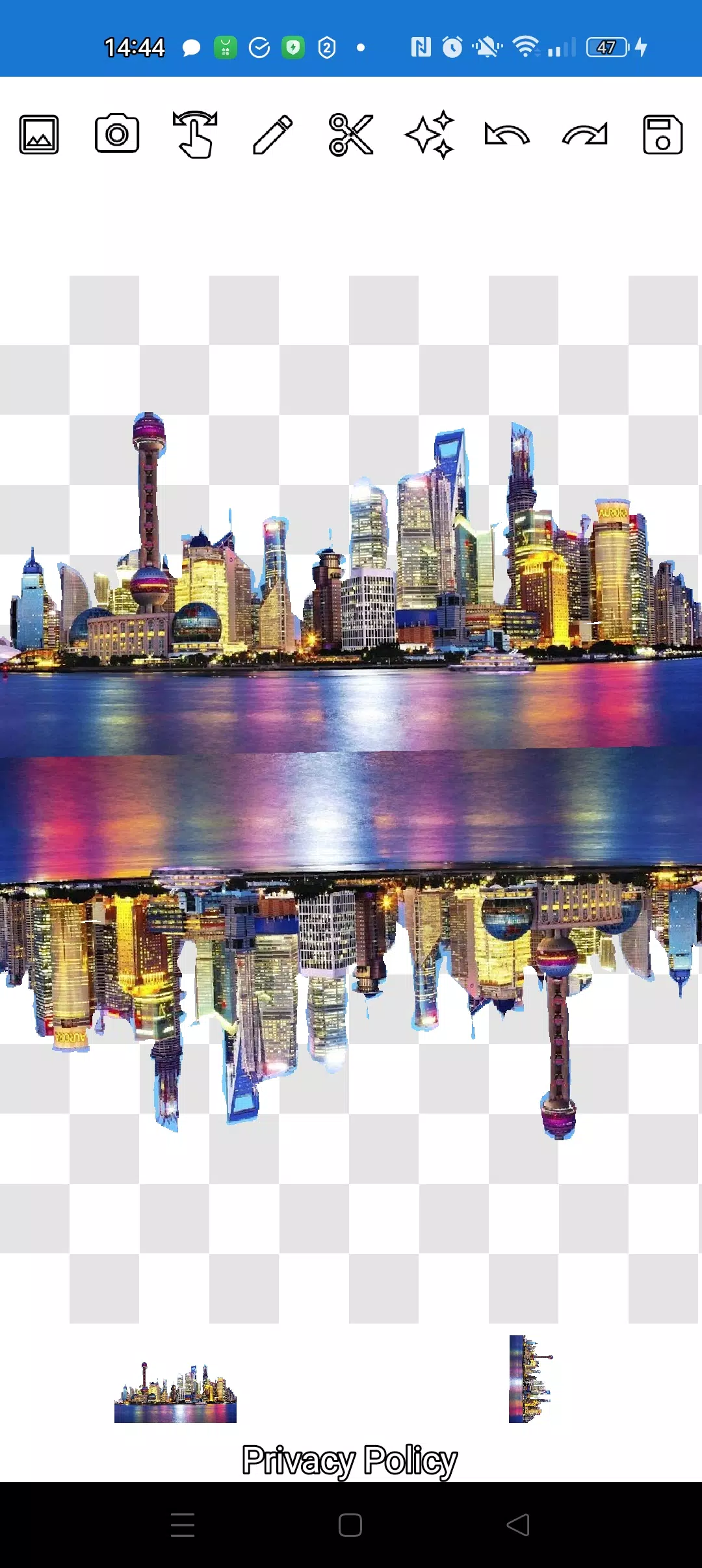
Create stunning compositions in minutes! Layer multiple objects over one another with ease. Simply select various photos from your gallery, cut out several as desired, and designate one as your background. Arrange them artistically and save your masterpiece to your gallery. A helpful tip: start by selecting an overlay image for precise cutting, then choose your background; the overlay will remain accessible. Just tap the overlay layer at the bottom to bring it to the forefront.
If an image doesn't meet your expectations, swipe it nearly off-screen to remove it effortlessly. When it's time to save, use the crop mode to select a rectangular area and confirm with a checkmark to store it in your photo gallery.
Managing the order of your images is a breeze. The layers are displayed at the bottom of the screen, and a single tap allows you to rearrange them as needed. Initially, you might find switching between manipulation, pencil/eraser, and lasso modes a bit tricky, but after a quick tutorial, you'll master it in no time!
Impress your social media followers and messaging contacts with unique images, create fun memes, and even craft professional visuals for business, websites, logos, and banners. Our app is your go-to tool for all occasions, especially when time is of the essence and a full-fledged editor isn't available.
Enjoy the flexibility of using our app offline, whether you're in a café, on the metro, or in an airplane. Powered by simple technologies from Pimur, our application promises a seamless experience.
Thank you for taking the time to read through this. Your feedback is invaluable to us, so please share your thoughts below!
What's New in the Latest Version 4.5
Last updated on Sep 17, 2024
Minor bug fixes and improvements. Install or update to the newest version to check it out!
-
 2025 Gacha Games: Full Release List
-
 Azure Latch Codes (March 2025)
-
 Black Ops 6 Zombies: How To Configure The Summoning Circle Rings on Citadelle Des Morts
-
 Roblox: SpongeBob Tower Defense Codes (January 2025)
-
 Persona 5: Phantom X Playtest Leaks on SteamDB
-
Chimera Clan Boss Guide: Top Builds, Masteries, and Gear for RAID: Shadow Legends