

Home > Apps > Art & Design > Dark Mode

| App Name | Dark Mode |
| Developer | App Zombies |
| Category | Art & Design |
| Size | 22.2 MB |
| Latest Version | 1.8 |
| Available on |
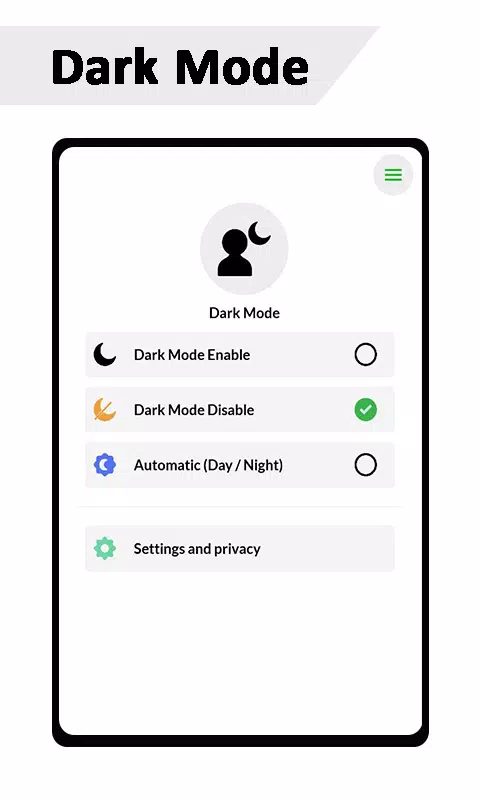
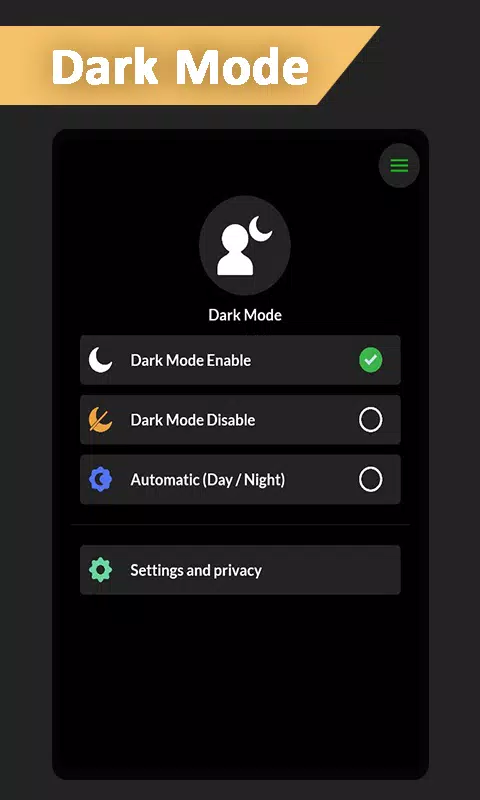


Looking for the ultimate dark mode experience? One of the top apps to convert your theme into dark mode is here to revolutionize your screen time. This app effortlessly transforms your system UI into a soothing dark mode, making your digital world easier on the eyes.
With a simple toggle, you can switch your social media screens, including Instagram and Google Apps, to dark mode, enhancing your viewing pleasure. Whether you're scrolling through your feeds or catching up with friends, this app makes it easy to use in night mode, ensuring comfort during those late-night sessions.
Features:
- Dark Mode Toggle for all devices, ensuring compatibility across the board.
- Night Mode Toggle designed specifically for night reading, reducing eye strain.
- Automatic (Day/Night) Toggle that adapts to your environment, providing a seamless transition.
- Activate dark mode to make your screen AMOLED-friendly, a feature often missing from standard phone system settings.
What's New in Version 1.8
Last updated on Nov 6, 2024
- Support for all devices, making dark mode accessible to everyone.
- Enhanced Dark Mode and Night Mode Toggle functionalities.
- Minor bugs have been fixed to improve performance.
- New devices added to the list of supported hardware.
Experience the comfort and style of dark mode with this versatile app, designed to cater to all your nighttime viewing needs across various platforms and devices.
-
 2025 Gacha Games: Full Release List
-
 Black Ops 6 Zombies: How To Configure The Summoning Circle Rings on Citadelle Des Morts
-
 Azure Latch Codes (March 2025)
-
 Roblox: SpongeBob Tower Defense Codes (January 2025)
-
 Persona 5: Phantom X Playtest Leaks on SteamDB
-
Chimera Clan Boss Guide: Top Builds, Masteries, and Gear for RAID: Shadow Legends