

Home > Apps > Art & Design > Easy Pose - 3D pose making app

| App Name | Easy Pose - 3D pose making app |
| Developer | MadcatGames |
| Category | Art & Design |
| Size | 180.5 MB |
| Latest Version | 1.6.01 |
| Available on |
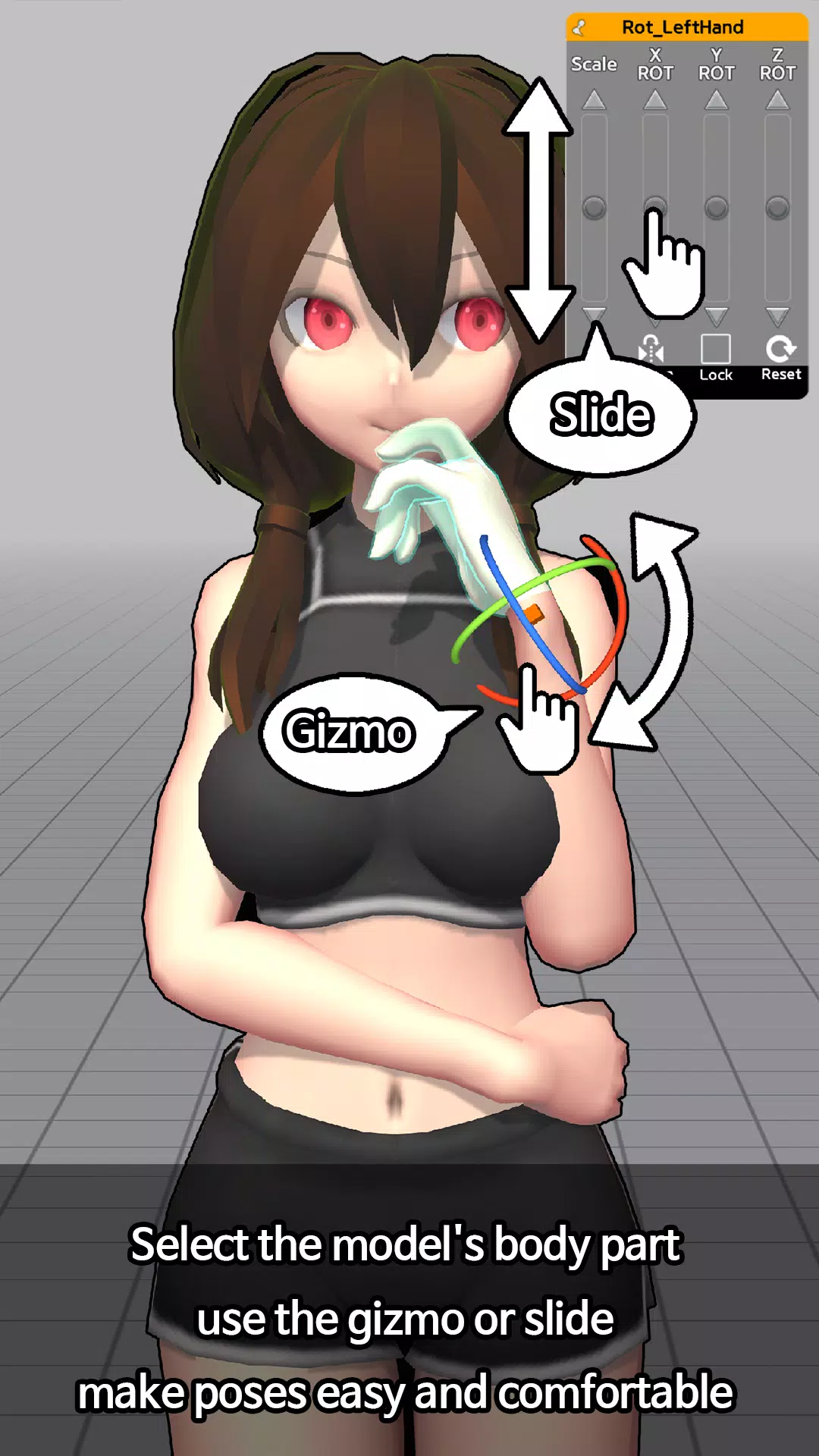
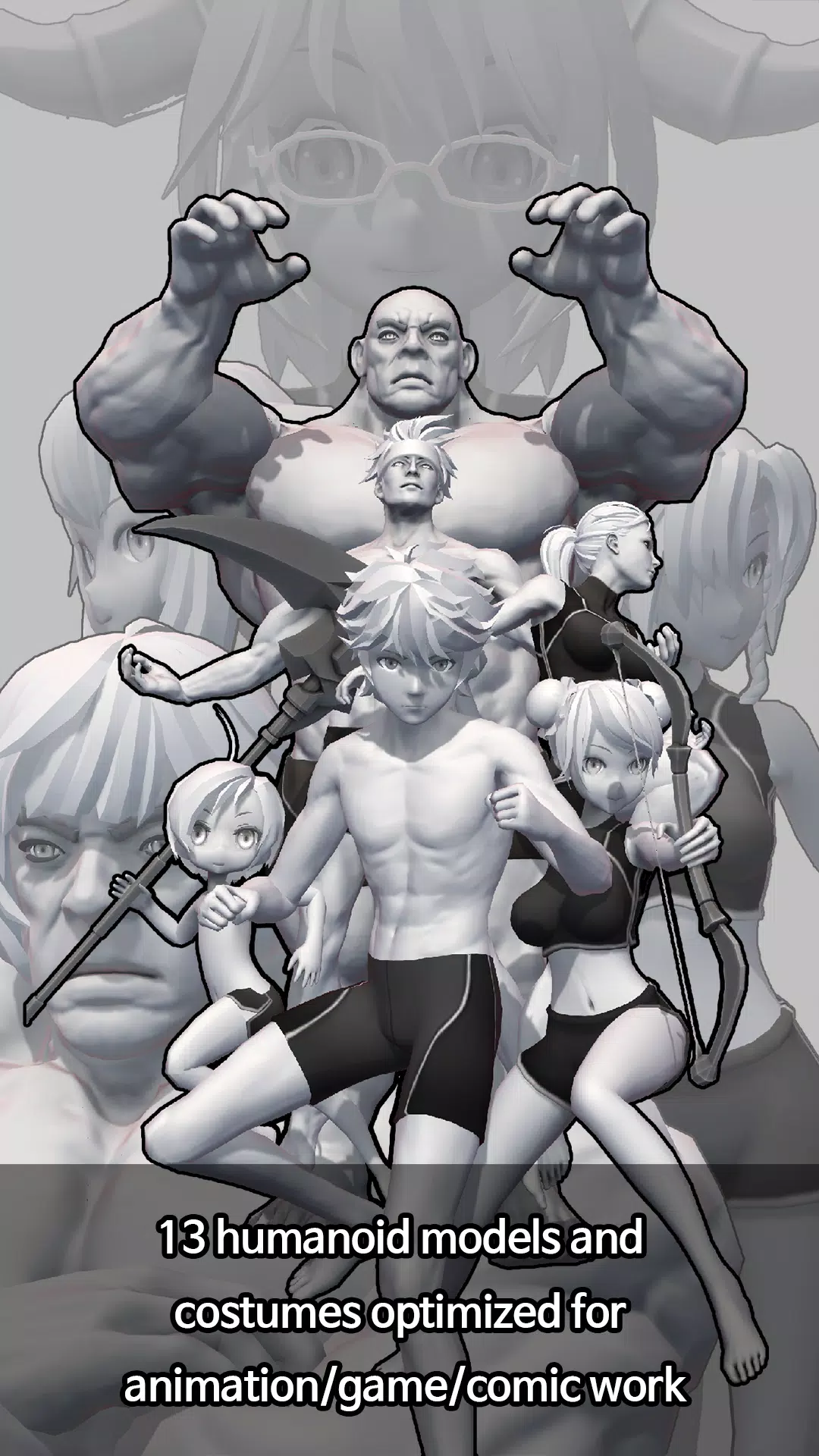
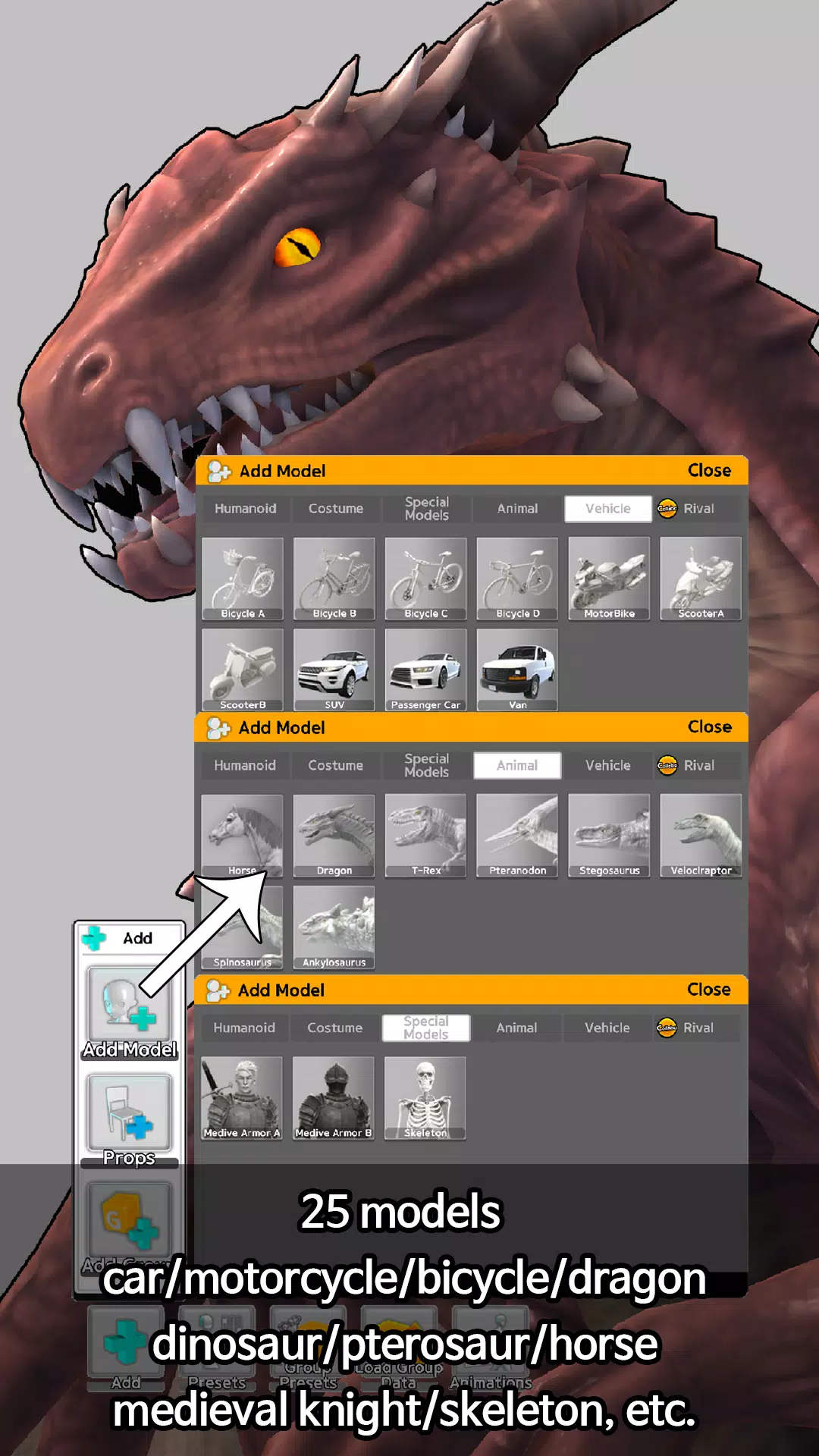
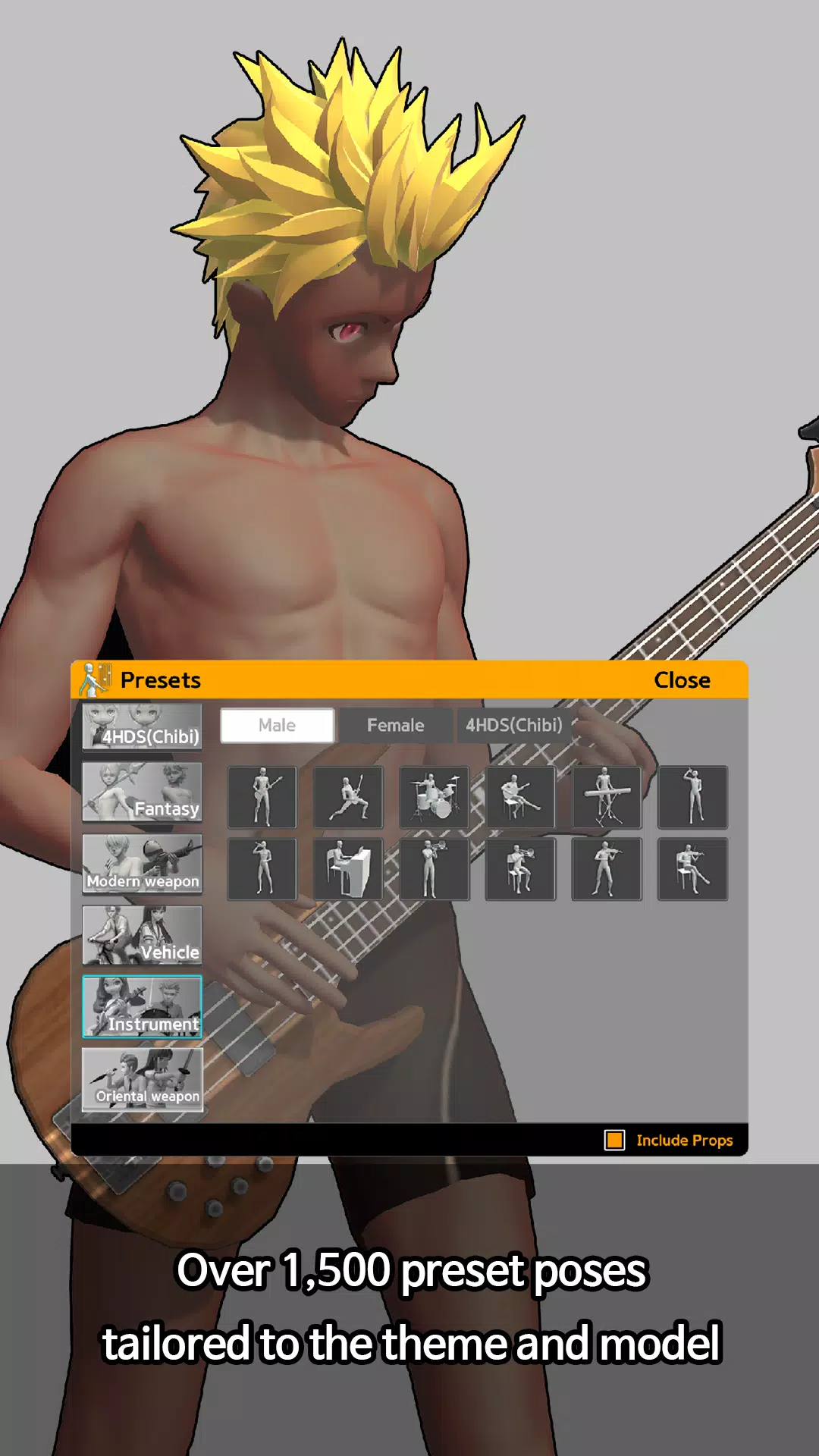


Easy Pose is a versatile human body pose app designed for artists and learners passionate about drawing, animation, illustration, and sketching. If you've ever wished for a customizable model to showcase various poses while creating your art, Easy Pose is the perfect tool for you. With this app, you can explore different poses from multiple angles, eliminating the need for traditional wooden joint dolls or figures. Whether you're interested in yoga or exercise poses, Easy Pose offers a comprehensive solution to view them from various perspectives.
1. Sensitive Operation - Easy Pose offers unparalleled control over the main joints with smooth and responsive movement. It includes unique features such as highlighting movable parts, resetting joint positions, and a mirroring function for symmetrical poses. These controls are more intuitive than using a mouse, enhancing your drawing experience.
2. Comic Style Models - Unlike other pose apps that focus on realistic eight-head ratio models, Easy Pose provides a range of body types suitable for animation, webtoons, and game illustrations. This variety ensures that your artwork can truly reflect the style you aim to achieve.
3. Multi-Model Control - With the ability to create scenes with up to six characters, you can craft dynamic scenarios like a soccer player dodging a tackle or a couple dancing hand in hand. This feature opens up endless possibilities for your creative projects.
4. Pre-Completed Poses - Easy Pose comes with about 60 pre-made poses, commonly used in drawing, which are regularly updated. This saves you time and helps you focus more on your art.
5. Other Characteristics
- Enhance your artwork with sensitive light expressions using direct and backlight settings.
- Examine poses from various angles for a comprehensive understanding.
- Experience realistic shadow casting between models for added depth.
- Adjust the angle of view, including exaggerated vanishing points for panoramic effects.
- Utilize wire mode to overlay lines on models, aiding your drawing process.
- Download models with a transparent PNG background for seamless integration into other projects.
- Benefit from automatic saving to protect your work against device errors.
- Easily manipulate hand movements to achieve the desired pose.
6. Functions Provided in the Free Version
- Freely control model poses to suit your artistic vision.
- Adjust the mood of your scene by manipulating light angles.
- Save your work in PNG format, perfect for further editing in other drawing programs.
- Control the camera distance to create the perfect scene composition.
7. Paid Version Upgrade Benefits
- Save and recall completed poses for future use.
- Access additional models including normal and small-sized women, and small-sized men.
- Bring multiple models onto the screen simultaneously for more complex scenes.
- Enjoy an ad-free experience, enhancing your focus on creativity.
- Unlock all pre-completed poses for immediate use.
**Please Note:** Data is not saved on the server, so deleting the app will also delete your saved data. The Google Play version and Apple App Store version of Easy Pose are not compatible; items purchased on one platform cannot be used on the other. If certification fails, please follow these steps:
- Open your phone's settings, navigate to Apps, select Easy Pose, and check permissions.
- Ensure Contacts permission is enabled.
- Restart Easy Pose and press the certification menu on the start screen.
**Permissions Required by Easy Pose:**
- Contacts - Required to access the Easy Pose server using your Google Play Game account. You can decline if you don't use this feature; it won't affect the app's functionality.
- Storage Capacity - Needed to save poses as image files in your smartphone's gallery. You can decline if you don't use the PNG save feature; it won't affect the app's functionality.
**If Purchased Items Do Not Apply:** Please send us your User ID and Receipt. If you don't have a receipt, please send your purchase history.
What's New in the Latest Version 1.6.01
Last updated on Aug 18, 2024
- Engine Upgrade
- Bug Fixes
-
 2025 Gacha Games: Full Release List
-
 Black Ops 6 Zombies: How To Configure The Summoning Circle Rings on Citadelle Des Morts
-
 Azure Latch Codes (March 2025)
-
 Roblox: SpongeBob Tower Defense Codes (January 2025)
-
 Persona 5: Phantom X Playtest Leaks on SteamDB
-
Chimera Clan Boss Guide: Top Builds, Masteries, and Gear for RAID: Shadow Legends