


| App Name | FAB Adblocker Browser: Adblock |
| Developer | Adblock – Rocketshield Browser Technology Limited |
| Category | Tools |
| Size | 196.70M |
| Latest Version | 96.1.3756 |
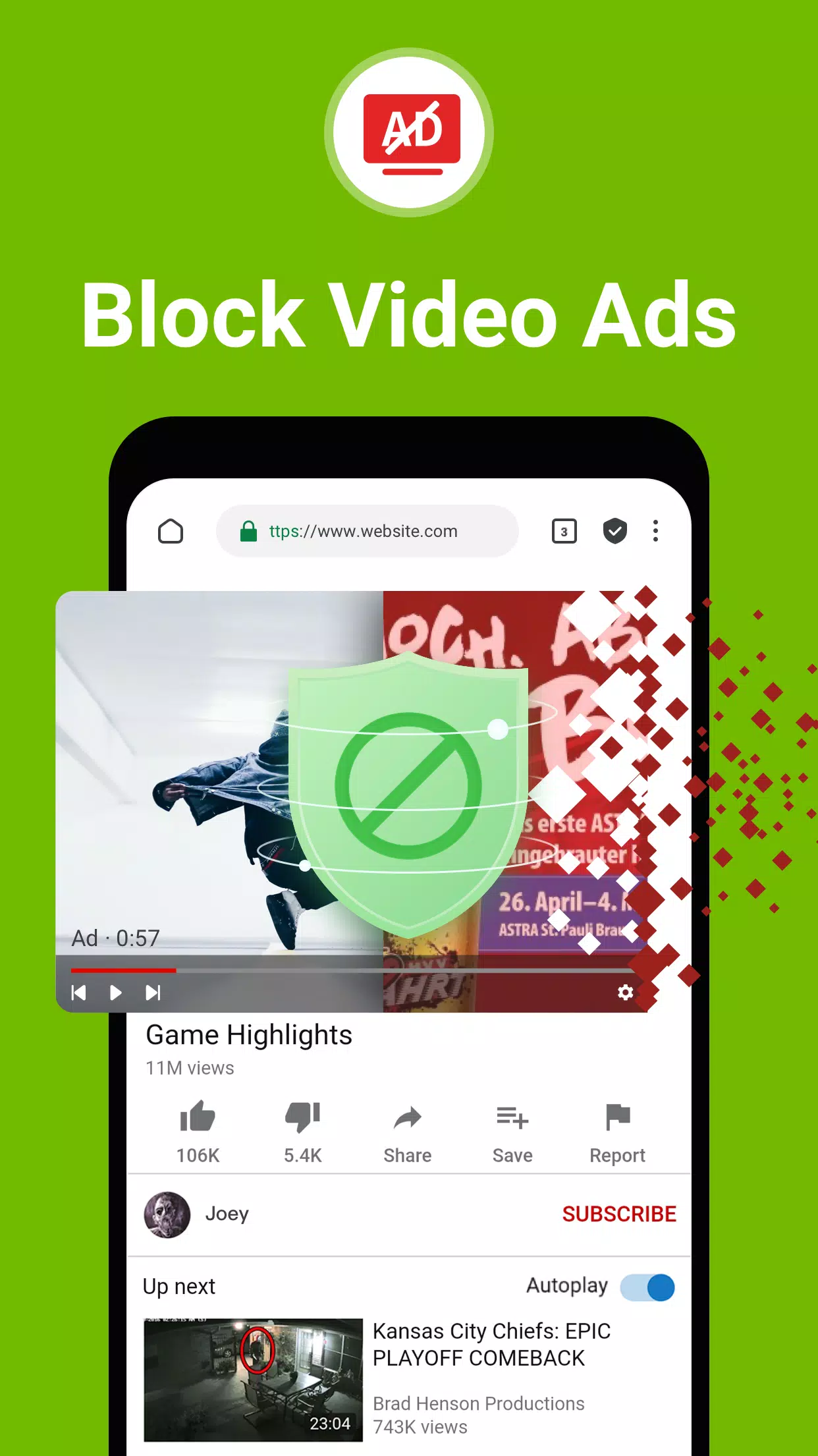
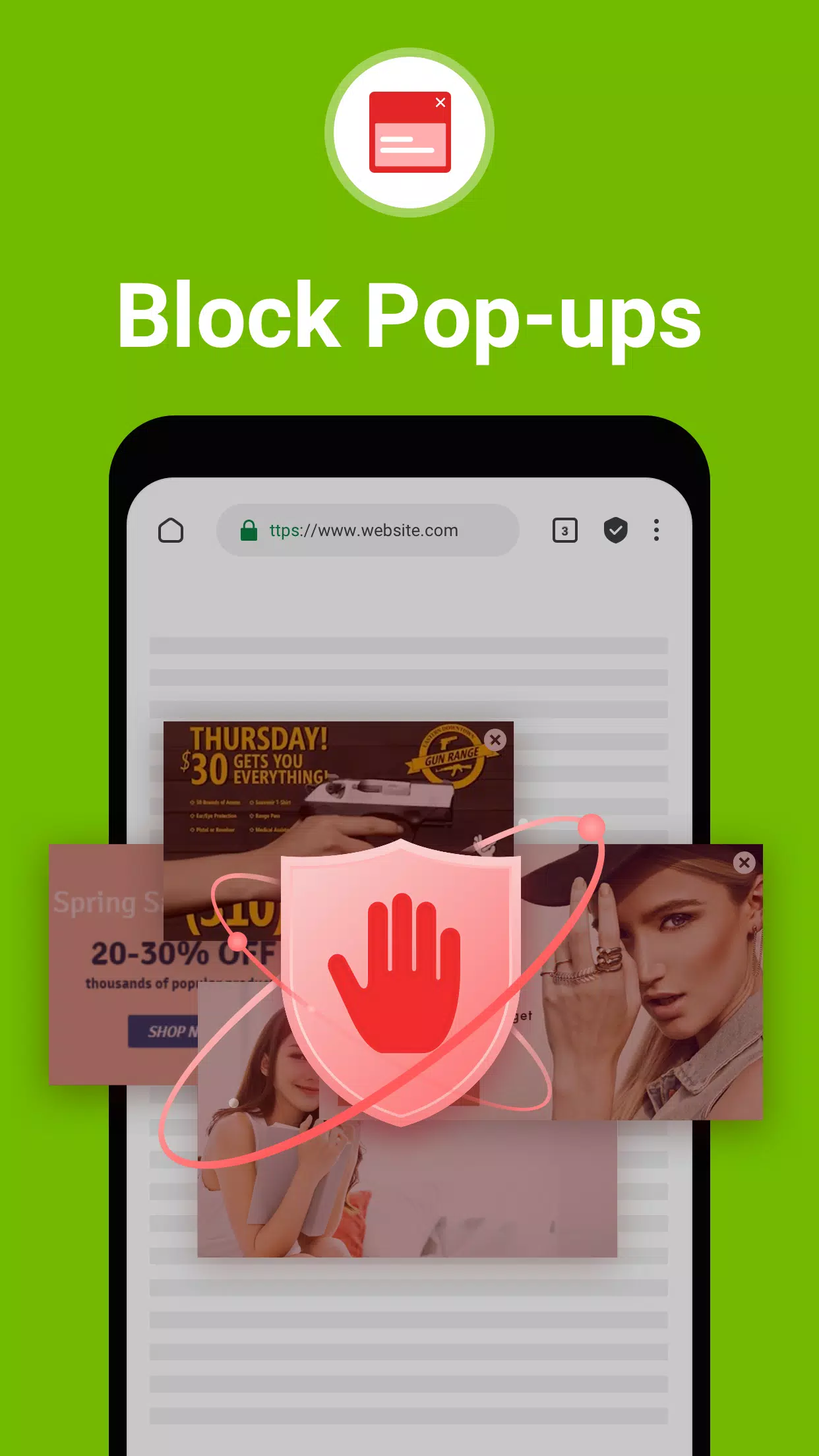
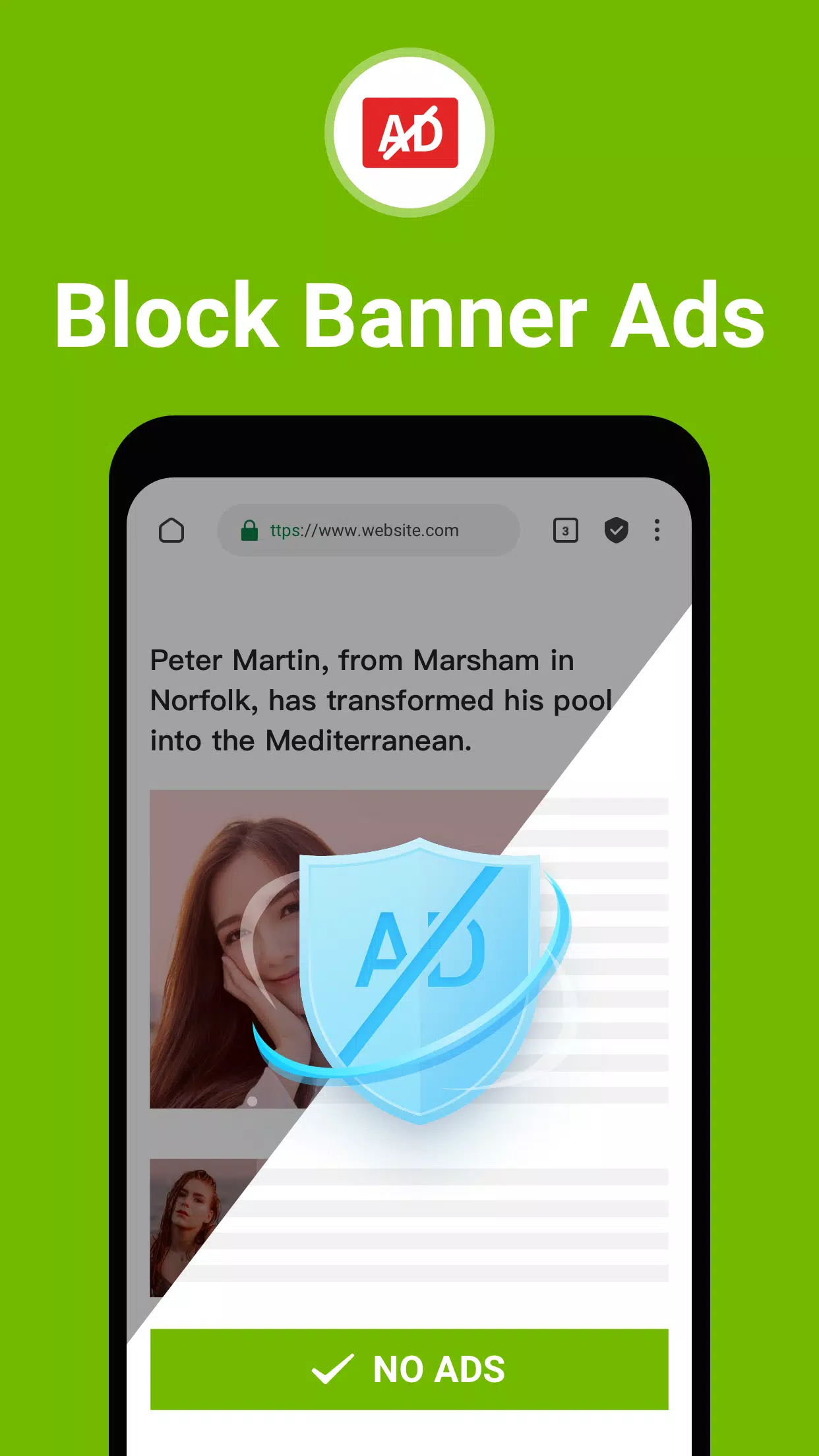


FAB Adblocker Browser stands as a robust solution for those seeking a fast, secure, and private browsing experience. This browser is engineered to enhance your internet journey by incorporating an advanced adblocker that effectively removes intrusive ads, pop-ups, and trackers, making your online navigation smoother and more enjoyable. FAB is distinguished by its dedication to user privacy and data security, featuring a complimentary VPN and AI-driven enhancements to elevate your browsing activities. With FAB, you can surf the web without leaving any digital footprints, enjoying a truly ad-free environment.
Features of FAB Adblocker Browser:
Adblock:
⭐ Ad-Free Experience: Embrace the freedom from bothersome ads, including banners, pop-ups, and video ads, thanks to this adblock-enabled browser.
⭐ Privacy Protection: It not only blocks third-party ad-cookies but also alerts you to potential malware and adware, ensuring your browsing remains secure.
⭐ Data and Battery Saver: The built-in adblocker helps conserve your data usage and extends your device's battery life, enhancing overall efficiency.
Tips for Users:
⭐ Customize Your Experience: Tailor your adblocking settings to align with your preferences and browsing patterns for a more personalized experience.
⭐ Leverage Speed: Take advantage of the browser's super-fast browsing capabilities to effortlessly glide through web pages.
⭐ Enjoy Uninterrupted Browsing: Experience seamless internet surfing free from interruptions, distractions, or privacy intrusions.
How to Use FAB Adblocker Browser:
Download and Install: Obtain the FAB Adblocker Browser from your preferred app store.
Open the Browser: Start the app and configure your preferences, such as your default search engine.
Start Browsing: Embark on your internet journey, immediately noticing the absence of ads and pop-ups.
Activate VPN: For enhanced security and privacy, activate the integrated VPN feature.
Use AI Tools: Engage with the AI tools offered for a more tailored browsing experience.
Check Ad Block Stats: Monitor the number of ads blocked and the data savings achieved from the main menu.
Customize Settings: Modify settings like theme, privacy, and security levels to meet your specific needs.
Stay Updated: Regularly update the app to access new features and improvements.
Contact Support: Should you encounter any issues, reach out to support at [email protected].
Enjoy Private Browsing: Revel in the tranquility and confidence of secure, anonymous browsing with FAB Adblocker Browser.
-
 2025 Gacha Games: Full Release List
-
 Azure Latch Codes (March 2025)
-
 Black Ops 6 Zombies: How To Configure The Summoning Circle Rings on Citadelle Des Morts
-
 Roblox: SpongeBob Tower Defense Codes (January 2025)
-
 Persona 5: Phantom X Playtest Leaks on SteamDB
-
Chimera Clan Boss Guide: Top Builds, Masteries, and Gear for RAID: Shadow Legends