


| App Name | GFX Tool: Launcher & Optimizer |
| Developer | tsoml |
| Category | Tools |
| Size | 7.0 MB |
| Latest Version | 10.4.0 |
| Available on |
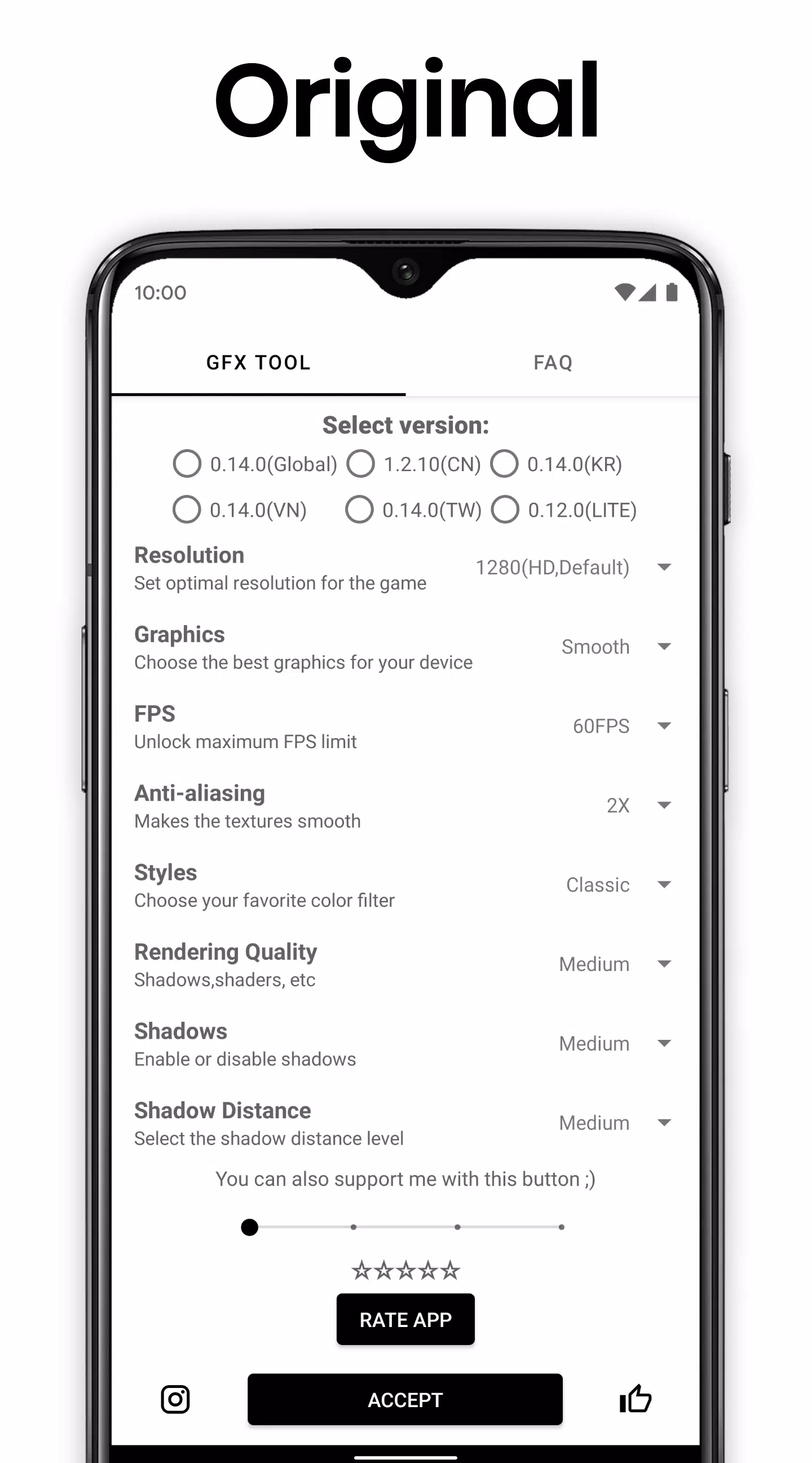
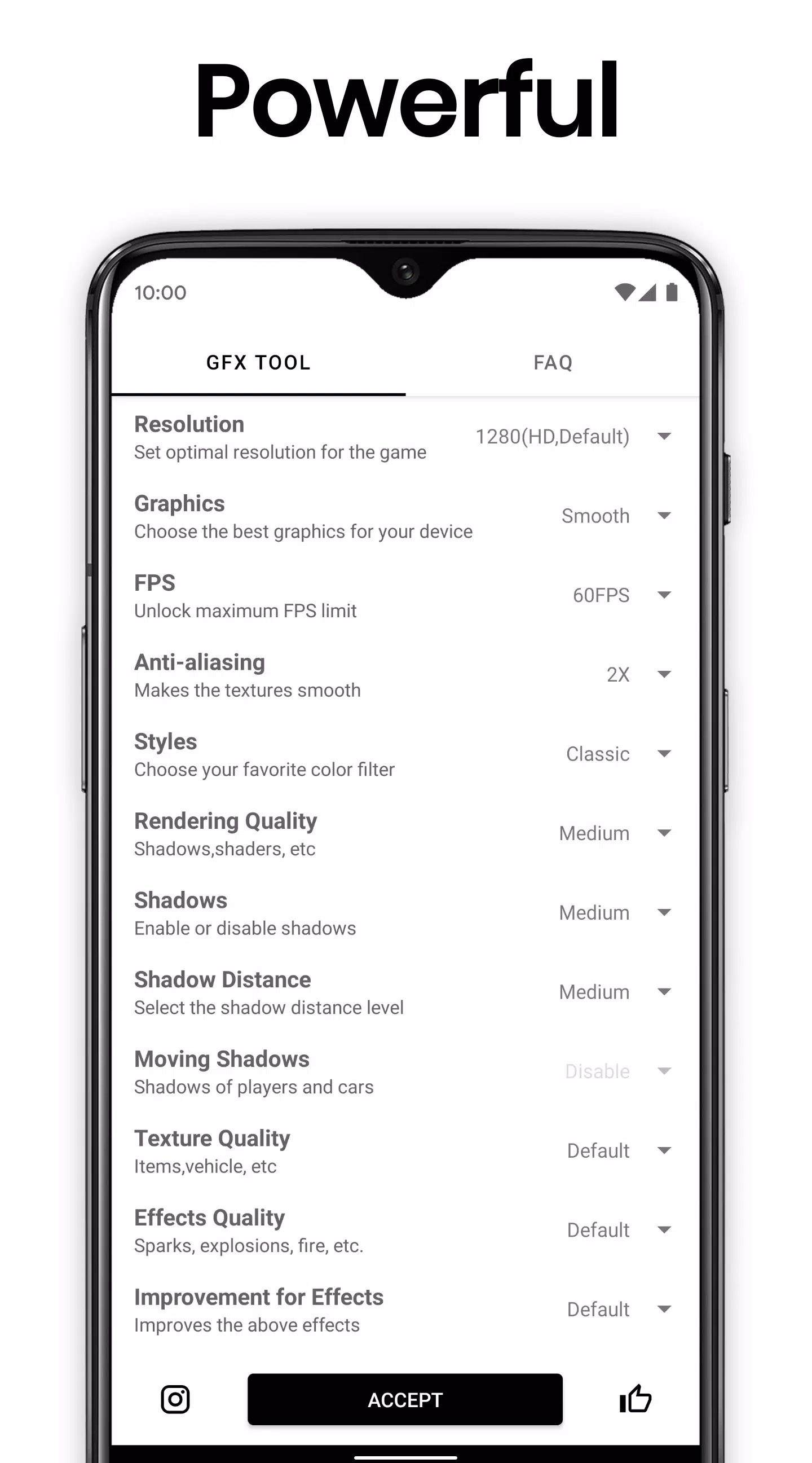
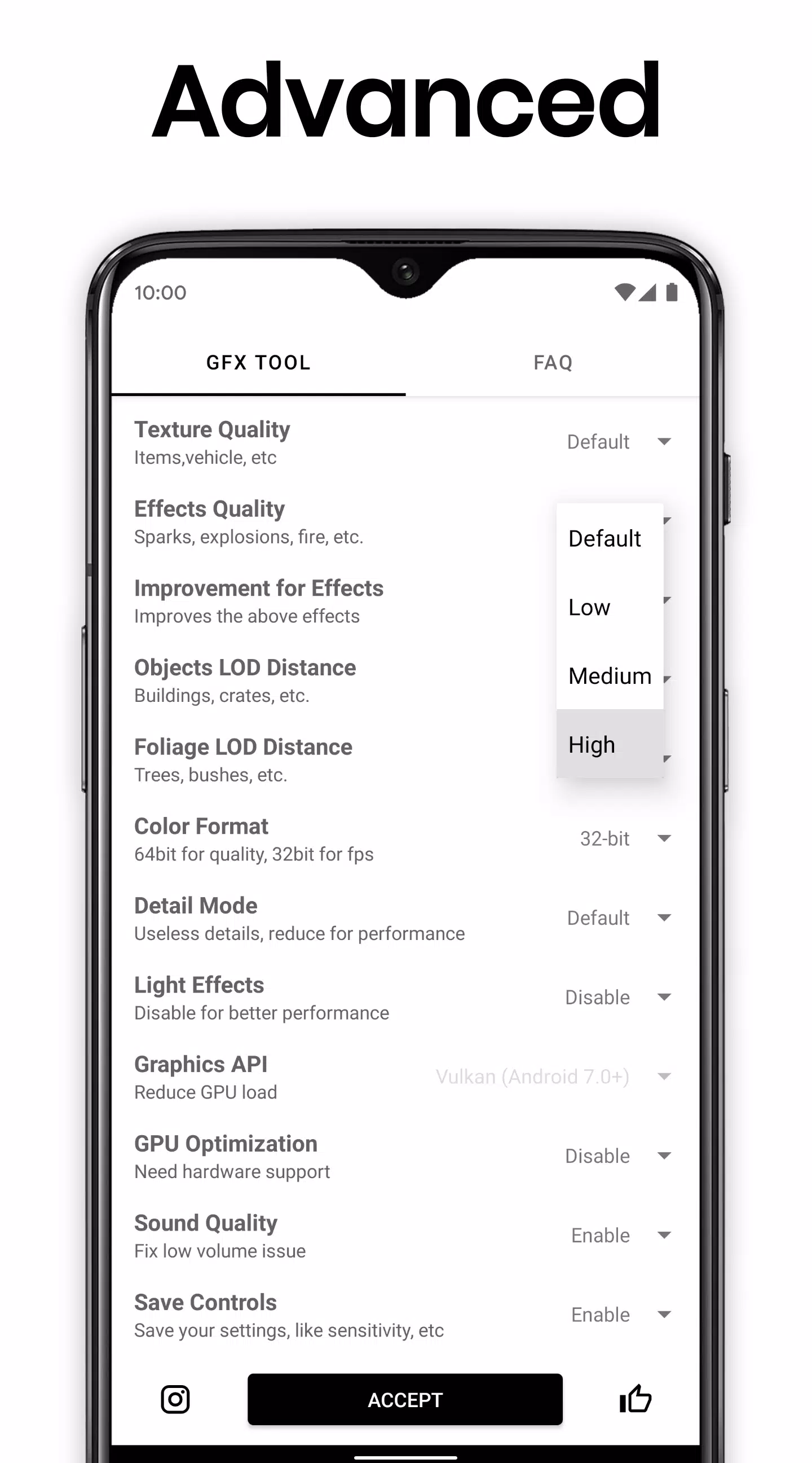
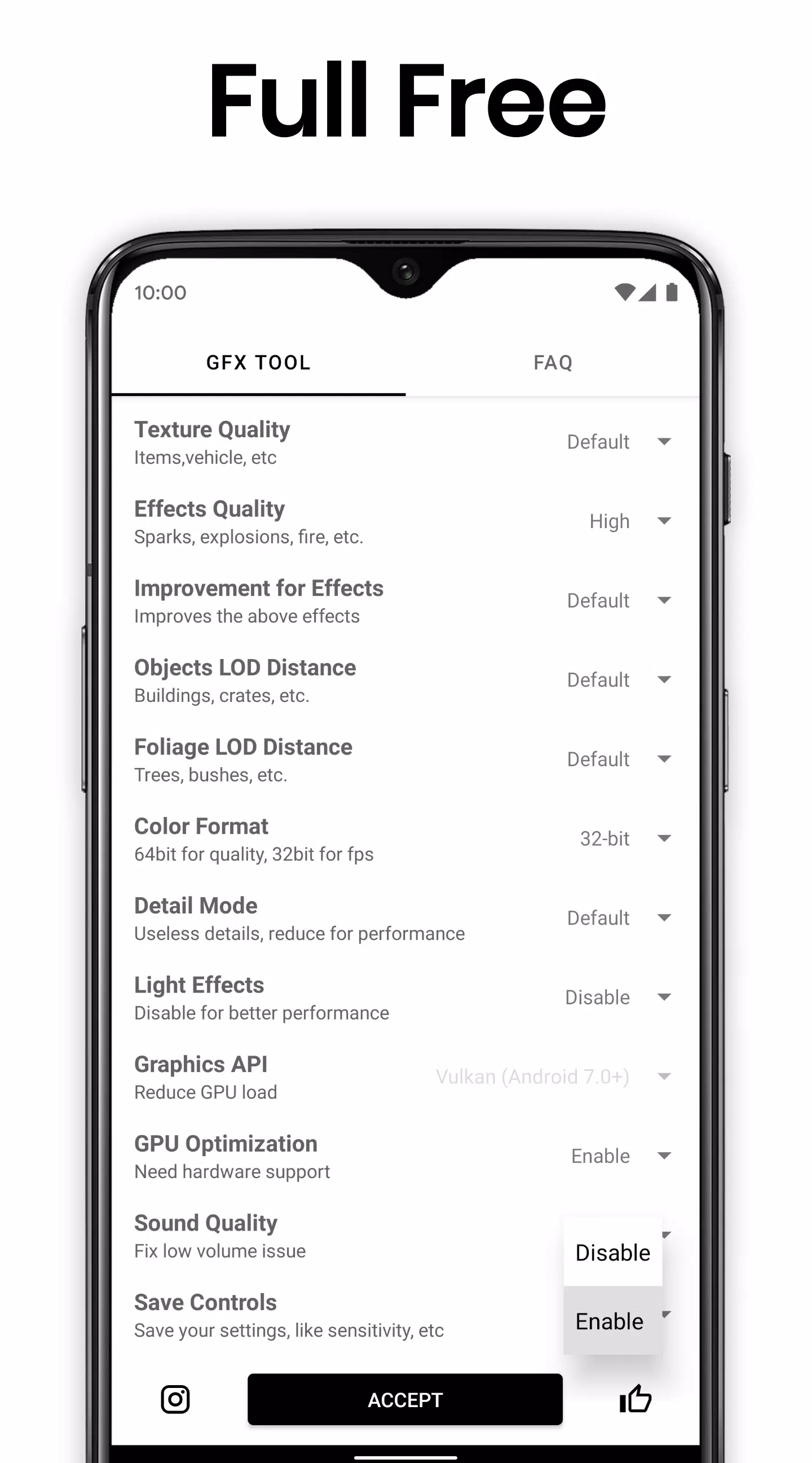


Boost Your Gaming Experience Simply
GFX Tool is a free utility launcher designed for specific games that allows complete customization of game graphics to achieve stunning visuals and seamless gameplay.
Key Features
• Adjustable Resolution Settings
Modify your game's resolution to match your device's capabilities.
• Enhanced Graphics Options
Unlock HDR graphics quality and access all available FPS levels for smoother performance.
• Advanced Visual Controls
Take full command of Anti-aliasing and shadow settings for optimal visual quality.
• Additional Customization
Many more useful options are available to fine-tune your gaming experience.
Compatibility
Support for all game versions makes this tool universally applicable.
Usage Guide
• Preparation
Ensure the game is completely closed before launching GFX Tool.
• Version Selection
Choose your specific game version from the available options.
• Customization
Tailor graphics settings to your preferences and device specifications.
• Launching
After configuration, click 'Accept and Run Game' to apply your changes.
Visit the official GFX Tool website: https://gfxtool.app/
Important Notice
This is an UNOFFICIAL application created for specific games. GFX Tool operates independently and is not affiliated with any game developers or publishers.
If you believe we've infringed upon any intellectual property rights or agreements, please contact us immediately at [email protected]. We will promptly address any valid concerns.
-
 2025 Gacha Games: Full Release List
-
 Azure Latch Codes (March 2025)
-
 Black Ops 6 Zombies: How To Configure The Summoning Circle Rings on Citadelle Des Morts
-
 Roblox: SpongeBob Tower Defense Codes (January 2025)
-
 Persona 5: Phantom X Playtest Leaks on SteamDB
-
Chimera Clan Boss Guide: Top Builds, Masteries, and Gear for RAID: Shadow Legends