

Home > Apps > Video Players & Editors > Just (Video) Player

| App Name | Just (Video) Player |
| Developer | Marcel Dopita |
| Category | Video Players & Editors |
| Size | 19.30M |
| Latest Version | 0.171 |
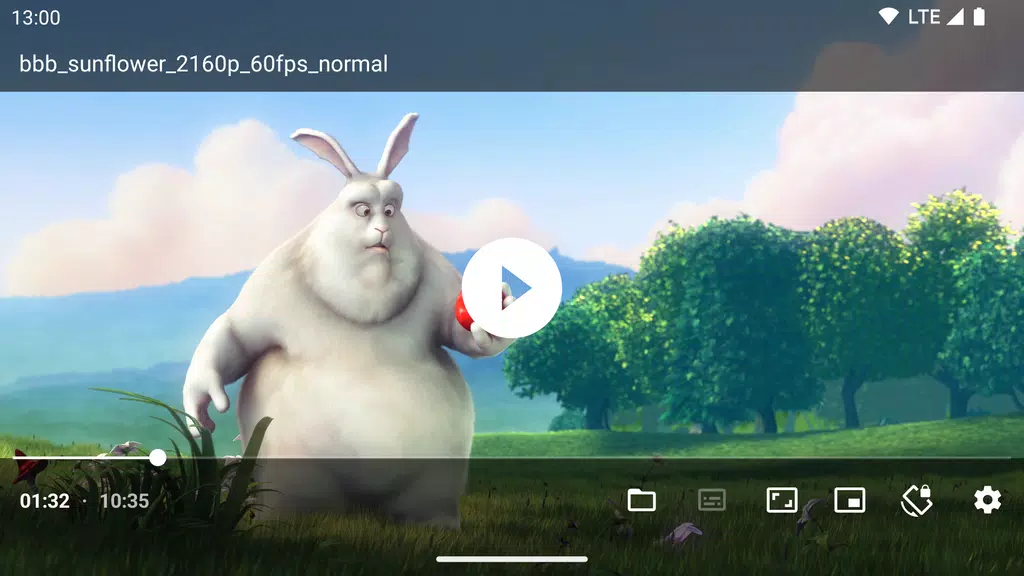
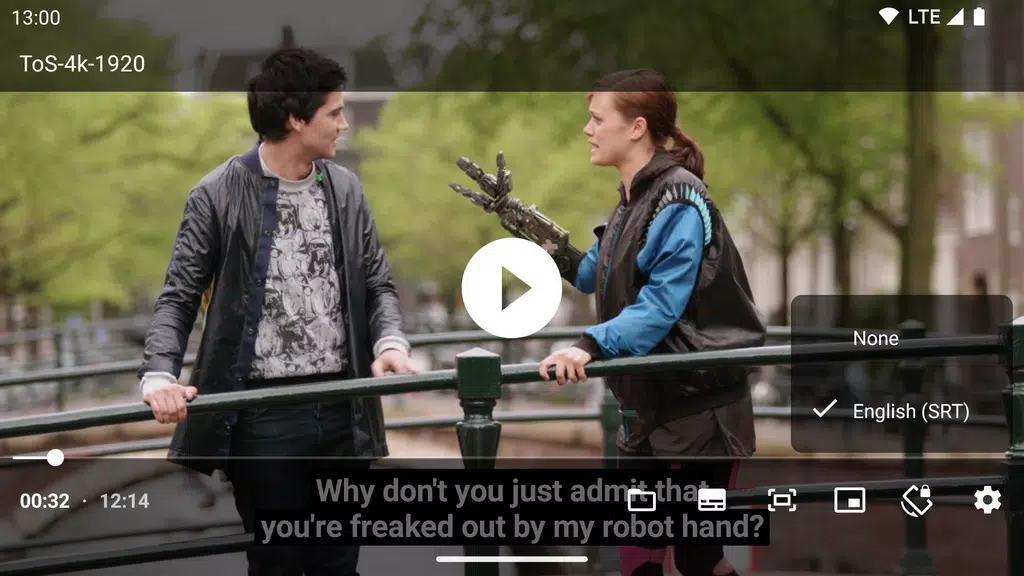
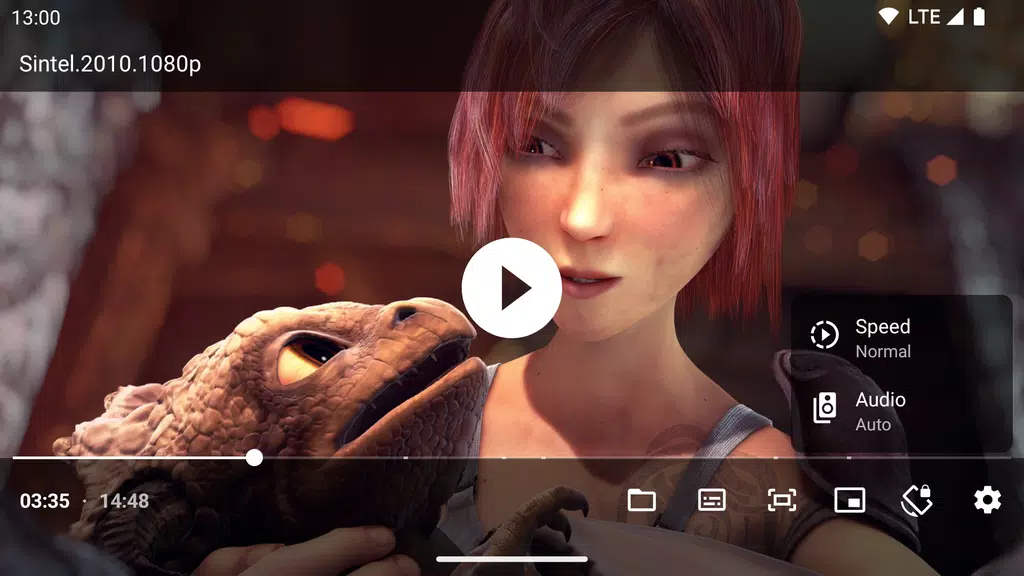


Experience outstanding audio and video playback with Just (Video) Player, a modern Android media player. Built on the ExoPlayer library, it handles a broad spectrum of audio formats like AC3, EAC3, DTS, DTS HD, TrueHD, and others. Achieve perfect syncing between audio and video, particularly with Bluetooth headphones or speakers. Thanks to support for Vorbis, Opus, FLAC, ALAC, and numerous video formats—including H.264 AVC, H.265 HEVC, VP8, and AV1—this app is your ideal choice for premium media enjoyment. Boost your watching and listening with this powerful and versatile video player.
Key Features of Just (Video) Player:
* Extensive Format Support
Get smooth playback with compatibility for various audio formats such as AC3, EAC3, DTS, and high-quality video formats including H.264, HEVC, and AV1.
* Stable Streaming
The app works with popular streaming protocols like DASH, HLS, and RTSP, delivering uninterrupted video from a variety of live and on-demand sources.
* Customizable Playback Controls
Adjust playback speed, use quick seek gestures, or swipe vertically to change volume—tailor your viewing to fit your preferences.
* Subtitle Flexibility
Switch between audio or subtitle tracks, or load external subtitles, giving you the freedom to watch in any language and understand more easily.
* Advanced HDR Video Playback
For HDR10+ and Dolby Vision compatible devices, the app renders bright, vivid video for a truly enhanced visual experience.
* Ad-Free, Open-Source Experience
Free from ads, tracking, and unnecessary permissions, this open-source player provides a clean and transparent user experience.
Tips for Getting the Most Out of the App:
* Use Playback Gestures for Quick Adjustments
Make the most of quick gestures: swipe horizontally to seek and vertically to adjust brightness and volume, streamlining your playback control.
* Customize Playback Speed
Change the playback speed to match your needs—ideal for tutorials or presentations where slowing things down aids comprehension.
* Load External Subtitles Easily
Long-press the file open action to load external subtitles, and set a root folder for automatic subtitle loading next time.
* Utilize Picture-in-Picture Mode
On Android 8 and above, take advantage of PiP mode to watch videos in a small floating window while multitasking with other apps.
* Enable Auto Frame Rate Matching
On Android TVs, turn on auto frame rate matching for smoother playback, particularly useful for fast-paced action or sports.
Conclusion:
Just (Video) Player delivers a highly customizable, ad-free media experience ideal for Android users who crave flexibility and functionality. With extensive audio and video format support, robust playback controls, and intuitive gestures, it puts a rich viewing experience right at your fingertips. HDR playback for premium devices and open-source transparency make it appealing to enthusiasts who want complete control. If you’re searching for a feature-rich, clean, and efficient video player, this app is definitely worth trying!
-
 2025 Gacha Games: Full Release List
-
 Azure Latch Codes (March 2025)
-
 Black Ops 6 Zombies: How To Configure The Summoning Circle Rings on Citadelle Des Morts
-
 Roblox: SpongeBob Tower Defense Codes (January 2025)
-
 Persona 5: Phantom X Playtest Leaks on SteamDB
-
Chimera Clan Boss Guide: Top Builds, Masteries, and Gear for RAID: Shadow Legends