

Home > Apps > Libraries & Demo > Mirror Link

| App Name | Mirror Link |
| Developer | Flavapp |
| Category | Libraries & Demo |
| Size | 9.2 MB |
| Latest Version | 30.0 |
| Available on |
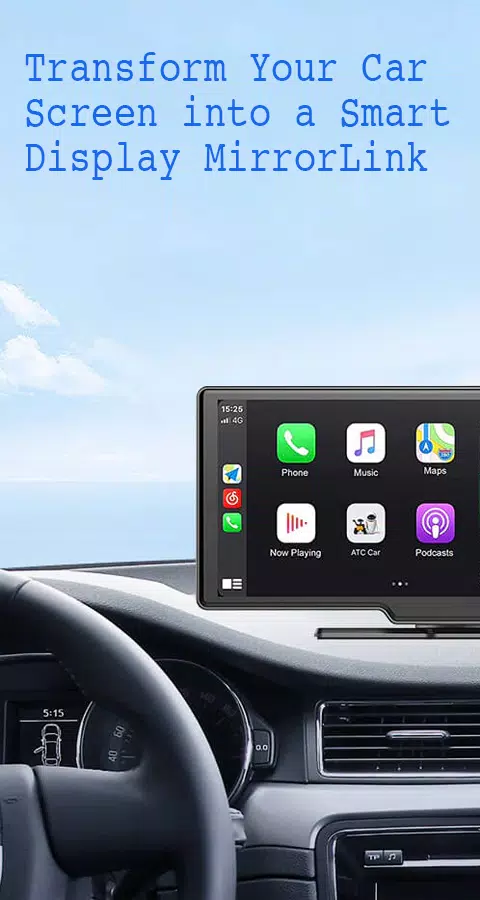
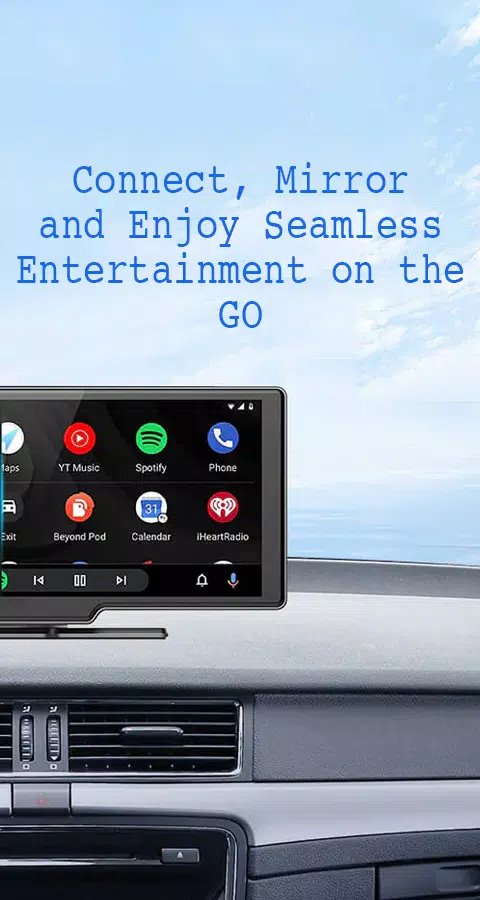
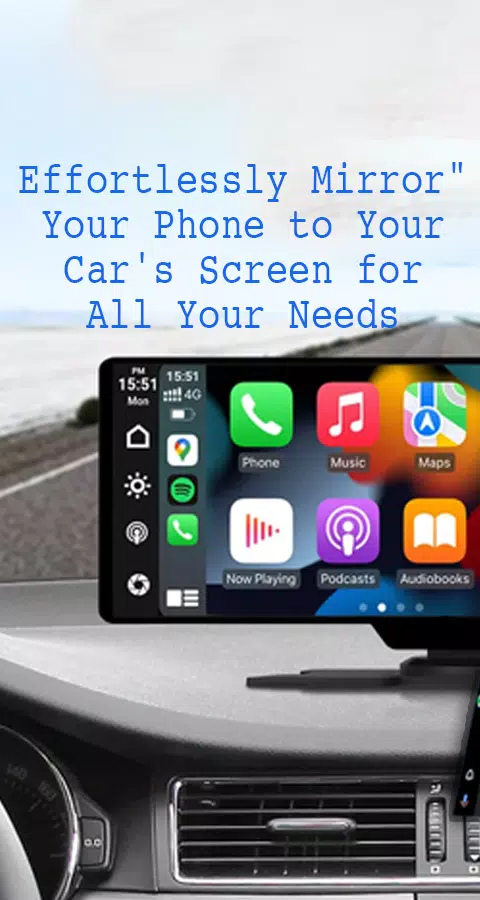


Looking to seamlessly connect your smartphone to your car's display? Mirror Link offers the perfect solution, allowing you to mirror your phone's screen to your car's screen either wirelessly or through a USB connection. This innovative app enhances driving safety by providing easy access to your phone's features directly from your car's screen.
Features:
- Static Screen Sharing: Effortlessly share your smartphone screen with your car's display in a stable manner.
- Wireless and USB Connection: Enjoy the flexibility of connecting your phone to your car's screen without the need for cables, thanks to wireless connectivity options.
- Screen Sharing and Communication: Achieve a simple and fast connection with just one click.
- Multimedia Access: Enjoy a wide range of multimedia options including listening to music, watching movies, texting, calling, and viewing maps right on your car's screen.
- Automation: Benefit from features that automatically play and pause music when your device connects to the car display.
- Full Mirror Link: Experience the full potential of your phone's capabilities mirrored on your car's screen.
- Smart Mirror Link: Compatible with both old and new car models, ensuring a wide range of usability.
- Universal Compatibility: Works seamlessly with all car brands and devices equipped with built-in web browsers.
- Mirrorlink Car Play: Integrates smoothly with Mirror Link CarPlay and Android Auto systems for an enhanced driving experience.
Transform your smartphone into a convenient control hub for accessing various applications through your car's touchscreen. Watch movies and listen to music on platforms like YouTube, and make use of Apple CarPlay and Android Auto for hands-free calling, navigation, and music streaming. Enhance road safety by easily accessing your phone's features, allowing you to keep your focus on the road. Additionally, utilize a simple car starter app to connect your phone to your car's TV without the need for a screen sharing cable.
How to Use:
- Ensure that both your phone and car are equipped with Miracast/Wireless display options.
- Activate the "Miracast" function on your car's dashboard.
- Launch the Mirror Link app, select "Connect Car," and wait for the device to be detected.
- Establish a connection to effortlessly mirror your phone's screen onto your car's display.
Mirror Link is an intuitive app designed to cast your screen to any car display, delivering a superior mirroring experience. Enable Mirrorlink for your car to enjoy seamless web video streaming, photo streaming, audio streaming, and simple automation screen connections. The app automatically plays and pauses when your mobile phone connects to your car's screen.
Disclaimer:
Mirror Link is a product developed by us. We are not affiliated, associated, authorized, sponsored, endorsed by, or in any way officially connected with any other apps or companies.
-
 2025 Gacha Games: Full Release List
-
 Azure Latch Codes (March 2025)
-
 Black Ops 6 Zombies: How To Configure The Summoning Circle Rings on Citadelle Des Morts
-
 Roblox: SpongeBob Tower Defense Codes (January 2025)
-
 Persona 5: Phantom X Playtest Leaks on SteamDB
-
Chimera Clan Boss Guide: Top Builds, Masteries, and Gear for RAID: Shadow Legends