


| App Name | MuniMobile |
| Developer | SFMTA |
| Category | Tools |
| Size | 19.00M |
| Latest Version | 3.20.6986 |
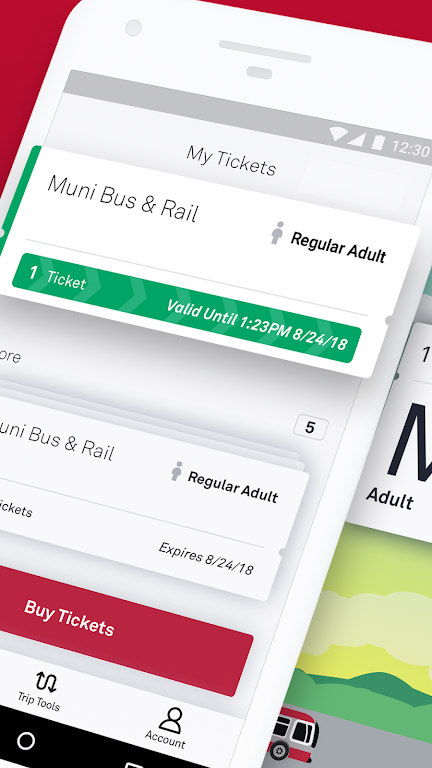
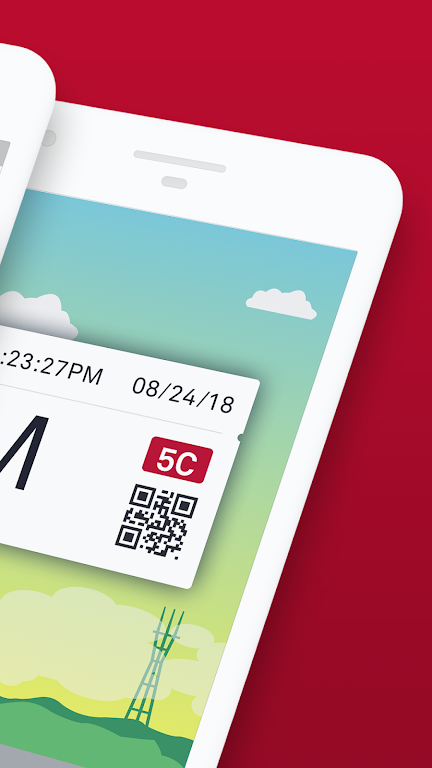
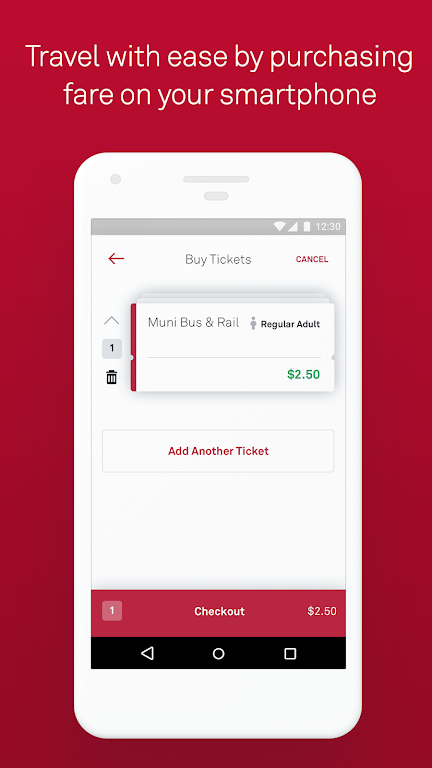


MuniMobile, the official app of the San Francisco Municipal Transportation Agency (SFMTA), is your ultimate companion for a seamless transit experience in the city. This innovative app offers a comprehensive suite of features designed to enhance your journey, including mobile ticketing, real-time transit predictions, and advanced trip planning. With MuniMobile, you can effortlessly purchase tickets using a debit/credit card, PayPal, or Apple Pay, and activate them before boarding. It's the all-in-one solution that keeps you on the move without the inconvenience of cash or paper tickets.
Features of MuniMobile:
Convenience: Say goodbye to paper fares and the hassle of finding change. With MuniMobile, you can purchase and use fares instantly on your smartphone.
Payment Options: Choose from a variety of payment methods, including debit/credit cards, PayPal, or Google Pay, to buy your fares.
Multiple Tickets: Store and manage multiple tickets on your phone for future use, making your travel planning even easier.
Group Travel: Simplify group travel by purchasing multiple fares in one go, perfect for outings with friends or family.
Secure System: Rest easy knowing your payment methods are protected within a secure system, ensuring your peace of mind.
FAQs:
Do I need an Internet connection to purchase tickets?
- Yes, you need an Internet connection to buy tickets, but you can activate and use them offline.
What if my phone battery dies?
- Plan ahead and keep your phone charged to ensure you have a valid fare at all times.
Can I transfer my tickets to a new phone?
- Yes, by creating an account before purchasing tickets, you can transfer any unused tickets to a new phone. Only unused tickets are transferable.
How to Use This App:
Download the App: Get MuniMobile from the App Store or Google Play.
Create an Account: Sign up using your email or mobile number.
Choose Rider Type: Select from options such as Adult, Senior/Disabled/Medicare, Youth, or SF Access.
Select Fare: Choose between Single Trip Fare for Muni Bus & Rail, Cable Car, or Passports.
Purchase Tickets: Select the quantity you need and complete the purchase using your preferred payment method.
Activate Before Boarding: Make sure to activate your ticket before boarding the vehicle or passing through the fare gates.
Use Offline: You can activate and use your tickets even without an Internet connection.
Manage Tickets: Keep multiple tickets on your phone for future use, making your travel more efficient.
Set Up Auto-Refresh: Configure the app to automatically refresh for real-time updates on transit schedules.
Get Help: For any assistance, visit the MuniMobile FAQ page or explore the app's help section.
-
ViajeroFrecuenteSep 06,25La aplicación MuniMobile es bastante útil para moverse por San Francisco 🚌. Me encanta poder comprar boletos directamente desde mi teléfono. Aunque a veces los tiempos de llegada no son exactos, en general es una gran herramienta.Galaxy Z Fold4
-
 2025 Gacha Games: Full Release List
-
 Azure Latch Codes (March 2025)
-
 Black Ops 6 Zombies: How To Configure The Summoning Circle Rings on Citadelle Des Morts
-
 Roblox: SpongeBob Tower Defense Codes (January 2025)
-
 Persona 5: Phantom X Playtest Leaks on SteamDB
-
Chimera Clan Boss Guide: Top Builds, Masteries, and Gear for RAID: Shadow Legends