


| App Name | NOVA Video Player |
| Developer | Courville Software |
| Category | Tools |
| Size | 32.70M |
| Latest Version | 6.3.2-20240925.1924 |
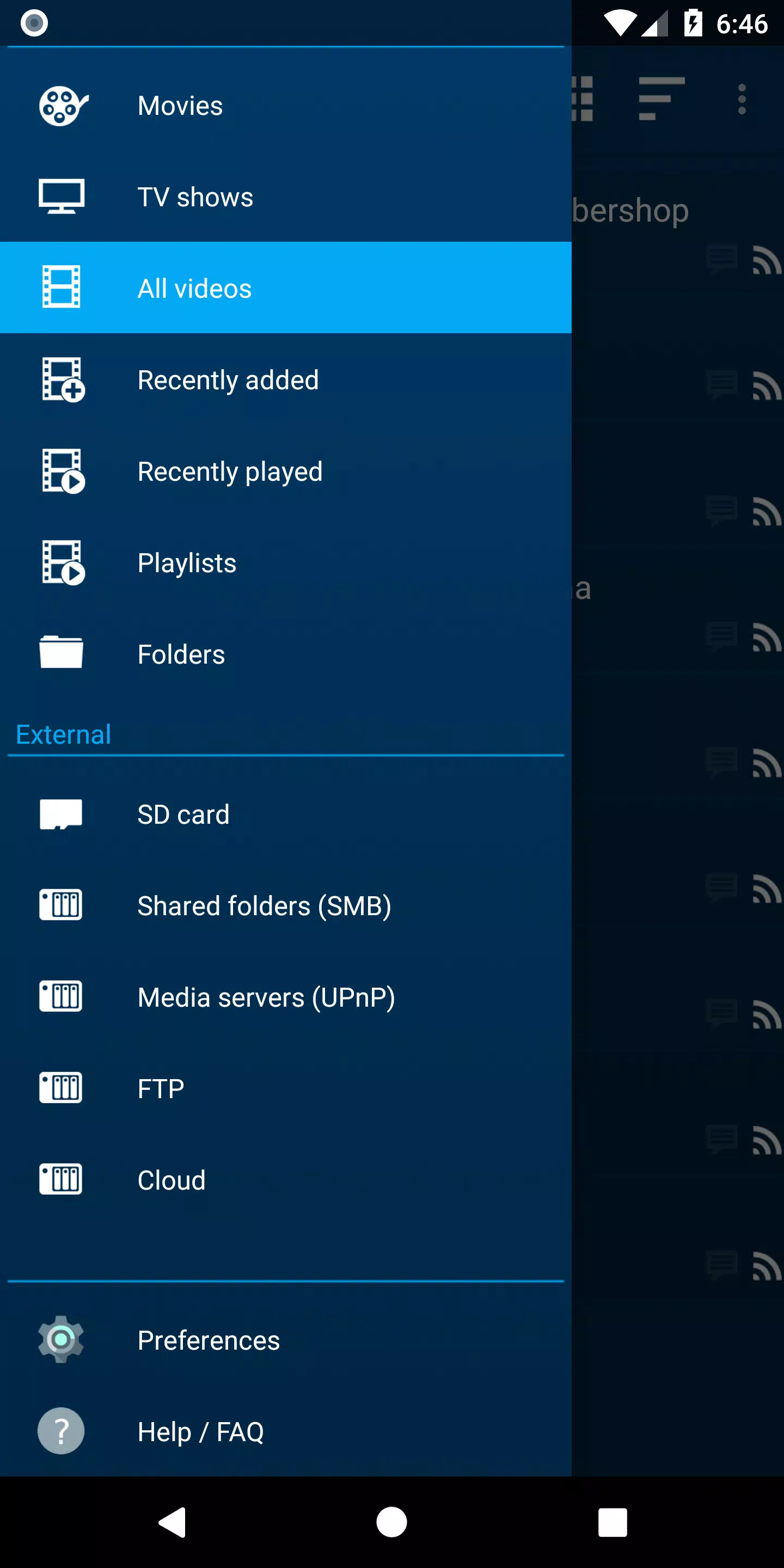
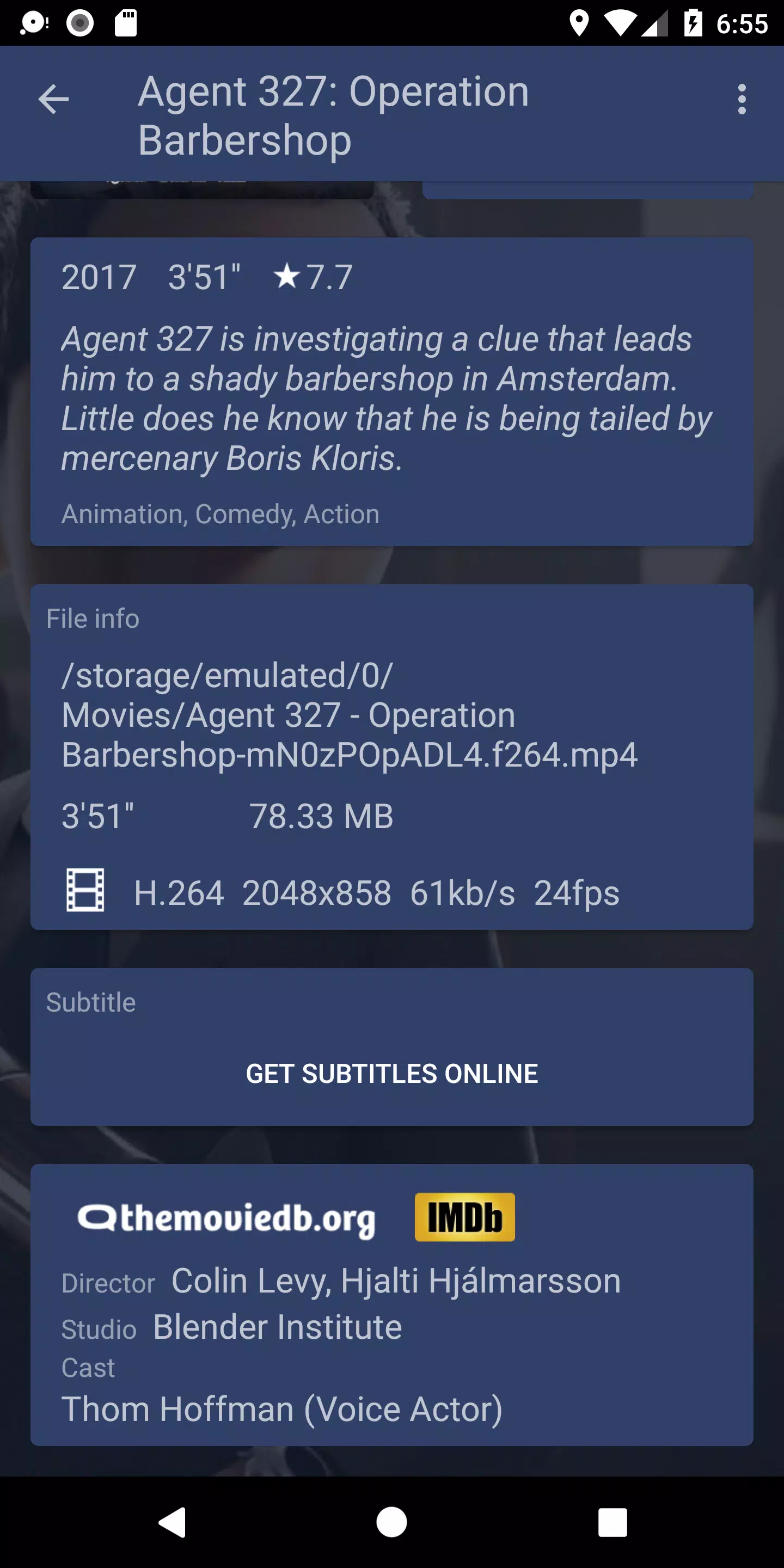
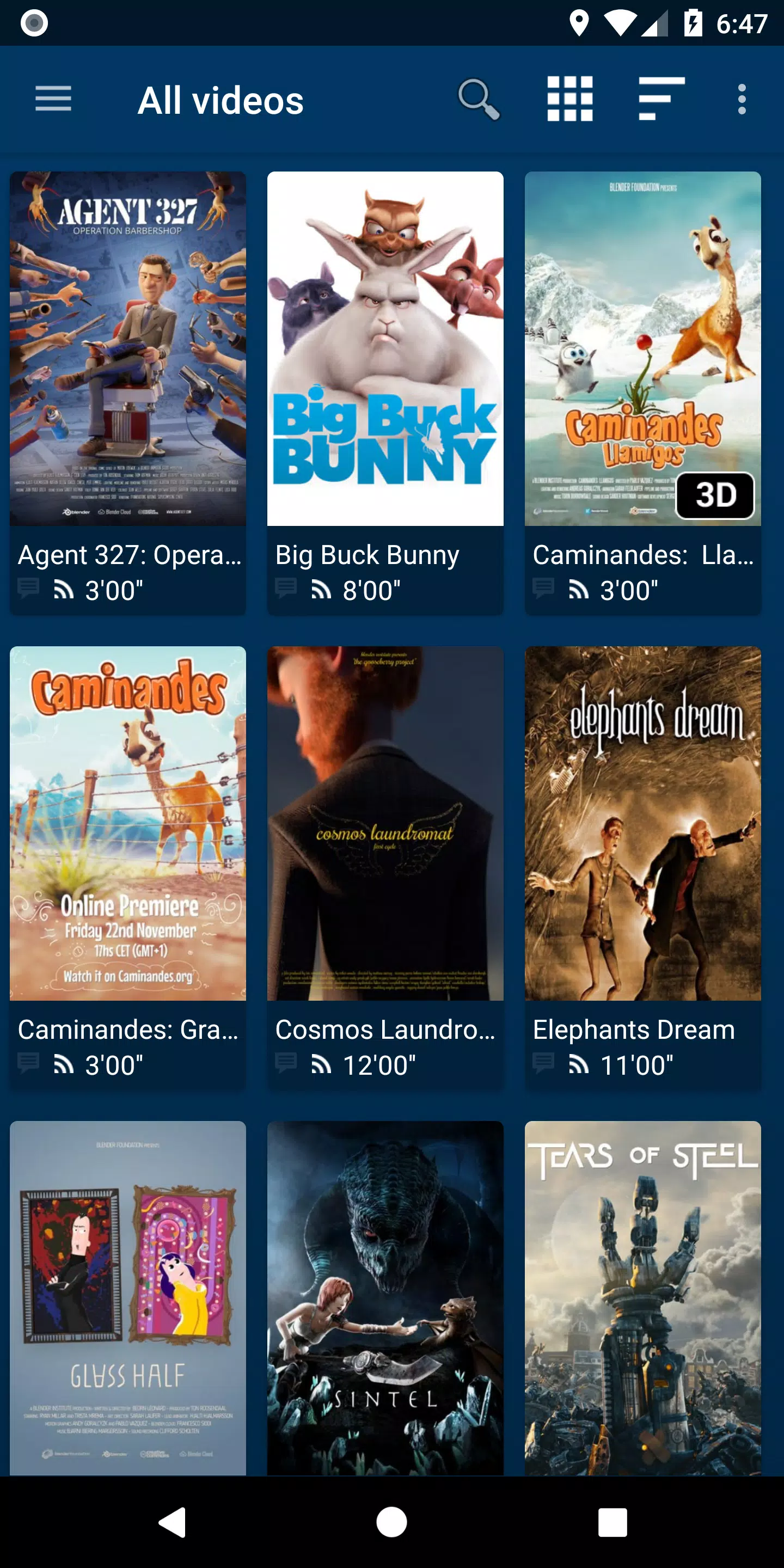


NOVA Video Player is an exceptional, open-source video player designed for Android devices, including smartphones, tablets, and TVs. It supports an extensive array of video formats and offers advanced features such as hardware-accelerated video decoding, network shares, and subtitle support. What sets NOVA apart is its seamless integration with various media sources, ranging from local storage to network servers like SMB, FTP, and WebDAV. Additionally, it boasts a TV-friendly interface, complete with AC3/DTS pass-through and 3D support. Perhaps its most compelling feature is the automatic retrieval of movie and TV show information, including posters and backdrops, which significantly enhances the media browsing experience.
Features of NOVA Video Player:
⭐ Universal Player: NOVA enables you to enjoy videos from a variety of sources, including your computer, server, NAS, and external USB storage. It seamlessly integrates videos from all these sources into a unified multimedia collection and automatically retrieves detailed movie and TV show descriptions, complete with posters and backdrops.
⭐ Best Player: NOVA provides hardware-accelerated video decoding for most devices and video formats. It supports multi-audio tracks, multi-subtitles, and a wide range of file formats and subtitle file types.
⭐ TV-Friendly: NOVA offers a specialized "leanback" user interface tailored for Android TV, AC3/DTS passthrough on compatible hardware, 3D support, Audio Boost mode, and Night Mode for an optimized viewing experience.
⭐ Browse Your Way: NOVA gives you instant access to recently added and played videos. You can browse movies by name, genre, year, duration, rating, explore TV shows by seasons, and navigate through folders with ease.
Tips for Users:
⭐ Maximize Online Retrieval: Leverage the automatic online retrieval feature to effortlessly access detailed movie and TV show descriptions and artwork.
⭐ Audio and Subtitle Customization: Experiment with different audio and subtitle options to tailor your viewing experience to your preferences.
⭐ Enhanced TV Viewing: Make the most of TV-friendly features like Audio Boost mode and Night Mode for a more immersive experience.
How to Use NOVA Video Player:
Download and Install: Locate NOVA Video Player on the Google Play Store or other app platforms and install it on your Android device.
Launch the Player: Upon opening the app, it will scan and display videos from your local storage during the initial launch.
Add Video Sources: Navigate to settings to add network shares, NAS, or web-based video sources using SMB, FTP, or WebDAV protocols.
Configure Preferences: Customize settings such as video output, subtitle appearance, and playback behavior to suit your preferences.
Play Videos: Choose a video to watch and utilize the app's playback controls to manage your viewing experience.
Access Additional Features: Enhance your experience with features like audio boost for increased volume and night mode for dynamic volume adjustment.
Subtitles: If required, search and download subtitles directly within the app.
Troubleshoot: Should you encounter any issues, refer to the app's FAQ or community forums for solutions.
Update the App: Regularly update the app to benefit from new features and improvements.
-
 2025 Gacha Games: Full Release List
-
 Azure Latch Codes (March 2025)
-
 Black Ops 6 Zombies: How To Configure The Summoning Circle Rings on Citadelle Des Morts
-
 Roblox: SpongeBob Tower Defense Codes (January 2025)
-
 Persona 5: Phantom X Playtest Leaks on SteamDB
-
Chimera Clan Boss Guide: Top Builds, Masteries, and Gear for RAID: Shadow Legends