

Home > Apps > Video Players & Editors > Offline Music Player - Mixtube

| App Name | Offline Music Player - Mixtube |
| Developer | Mixtube Music player |
| Category | Video Players & Editors |
| Size | 49.98M |
| Latest Version | v4.4.0 |

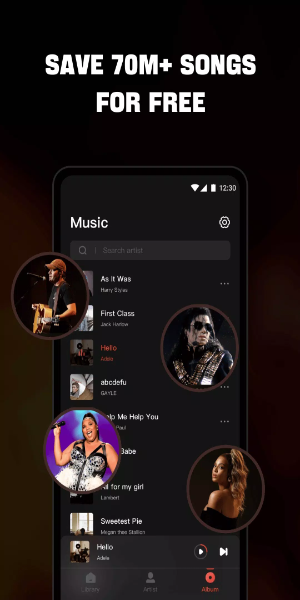
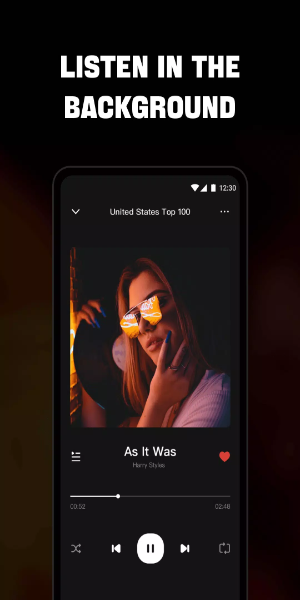


Your Ultimate Offline Music App: A free MP3 player, radio tuner, and music downloader. Enjoy a complete offline music experience—listen to your favorite songs wherever you are, without needing Wi-Fi. Effortlessly import all your music and audio files, and play them in any format. The built-in high-quality equalizer enriches your sound, delivering a superior listening experience.

Reasons to Choose Mixtube Music
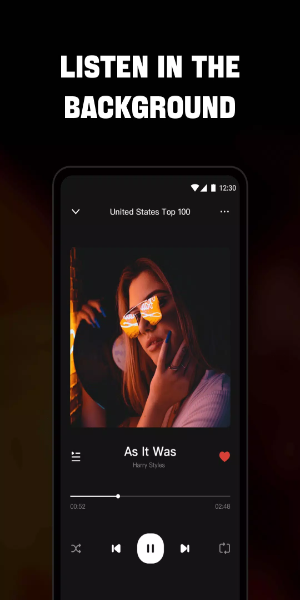
- Background Playback: Keep your music playing without interruptions while using other apps or during daily routines like working, studying, or household tasks.
- Broad Format Compatibility: Play all audio formats, from MP3, MIDI, and WAV to FLAC, AAC, and APE, with consistent high-quality sound.
Access Unlimited Free Music
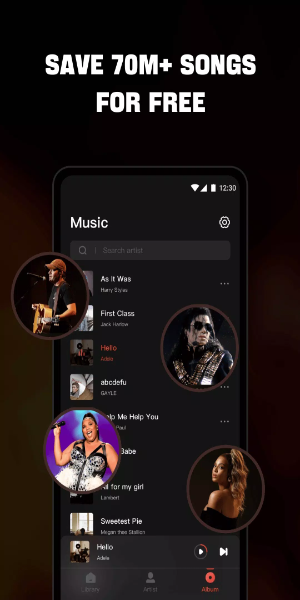
- Dive into a huge collection of the newest songs available on Music.
- Take advantage of a floating video player that you can drag anywhere on screen, so you can keep listening while multitasking.
- Works seamlessly with both headphones and speakers for exceptional audio quality.
- View and control music playback directly from your screen.
- Customize playback with options like single loop, shuffle, or continuous repeat.
Premium Music Player Features
- Sing along easily with real-time lyrics for your favorite tracks.
- Personalize your audio with a powerful equalizer.
- Stream a wide variety of music in multiple formats from your device, SD card, or even YouTube.
- Explore diverse genres including Billboard Hot 100, iTunes Top 100, K-pop, Latin, Indian, J-pop, and more global hits.
- Use a floating music player for smooth multitasking.
- Play single tracks or full playlists with this free music player.
- Quickly find and manage all audio files stored in your phone or SD card.
- Automatically pauses when headphones are unplugged.
- Set a sleep timer to stop playback at a specific time.
High-Definition Video Player
- Browse and play all local video files—status videos, trailers, movies—in any format stored on your device.
- Background play lets videos continue even when switching apps or with the screen off.
- Floating play mode lets you resize and position the video window while using other apps.
- Full playback controls for volume, brightness, speed, and presets.
- Easily load local subtitle files for your videos.
- Also functions as a free YouTube music video player.
Installation Guide
Download the APK: Get the APK file from a trusted source, 40407.com.
Enable Unknown Sources: Go to Settings > Security, and allow app installations from unknown sources.
Install the APK: Open the downloaded APK file and follow the prompts to install.
Launch the App: Open the app and start enjoying.
-
 2025 Gacha Games: Full Release List
-
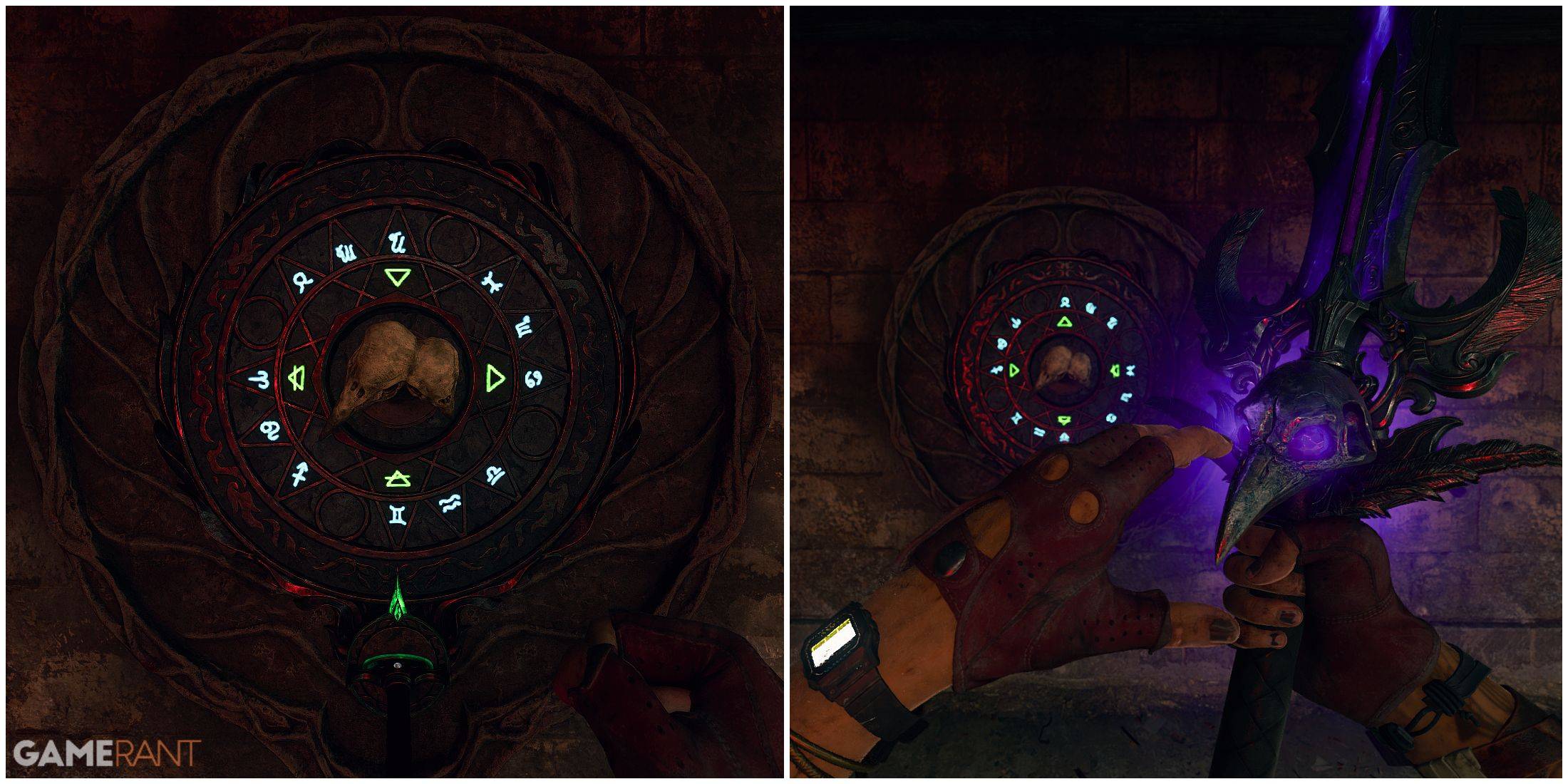 Black Ops 6 Zombies: How To Configure The Summoning Circle Rings on Citadelle Des Morts
-
 Roblox: SpongeBob Tower Defense Codes (January 2025)
-
 Azure Latch Codes (March 2025)
-
 Persona 5: Phantom X Playtest Leaks on SteamDB
-
Chimera Clan Boss Guide: Top Builds, Masteries, and Gear for RAID: Shadow Legends