

Home > Apps > Photography > Photo Blur

| App Name | Photo Blur |
| Developer | tanocee, Inc. |
| Category | Photography |
| Size | 31.7 MB |
| Latest Version | 1.2.3 |
| Available on |
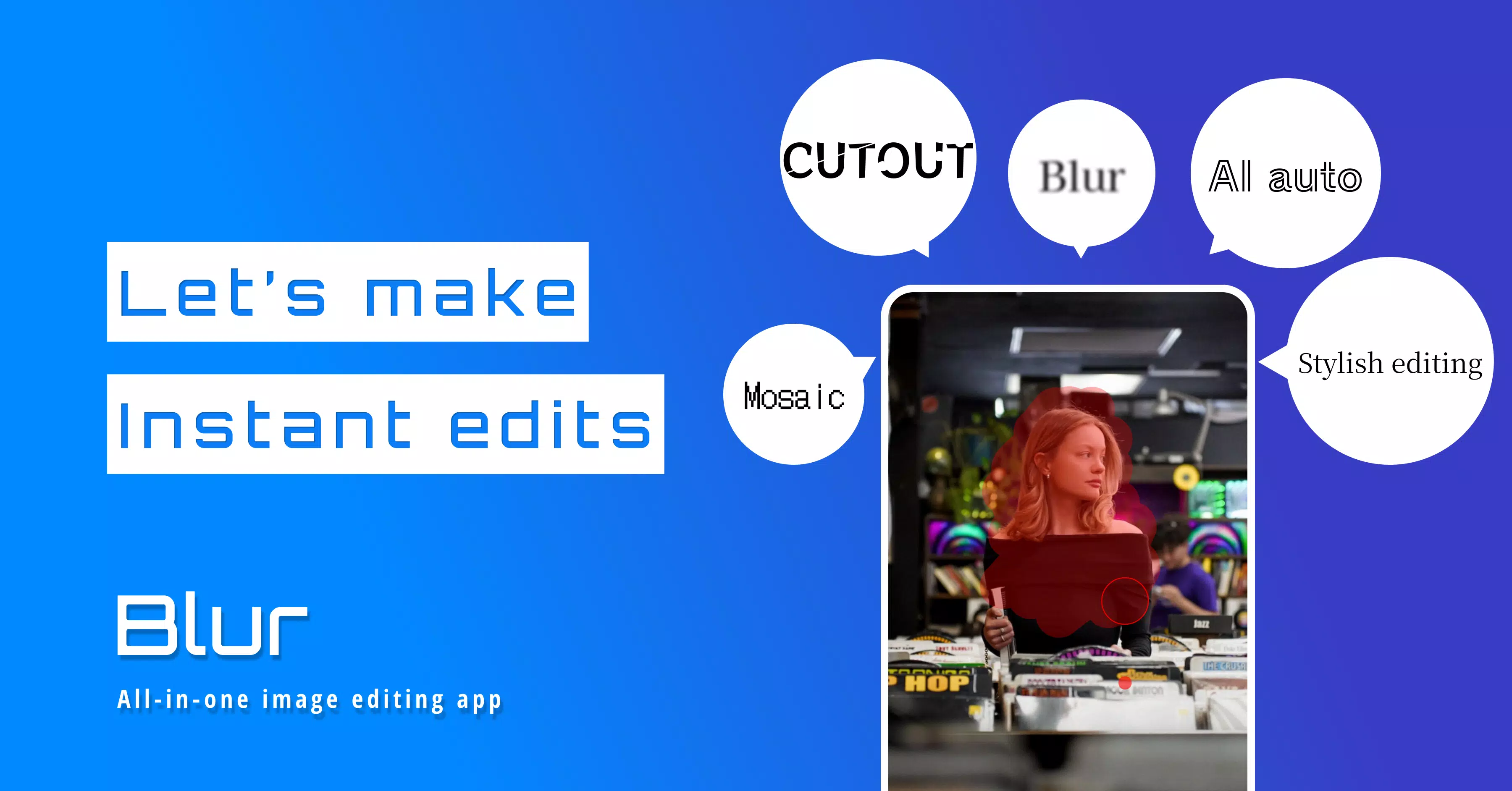
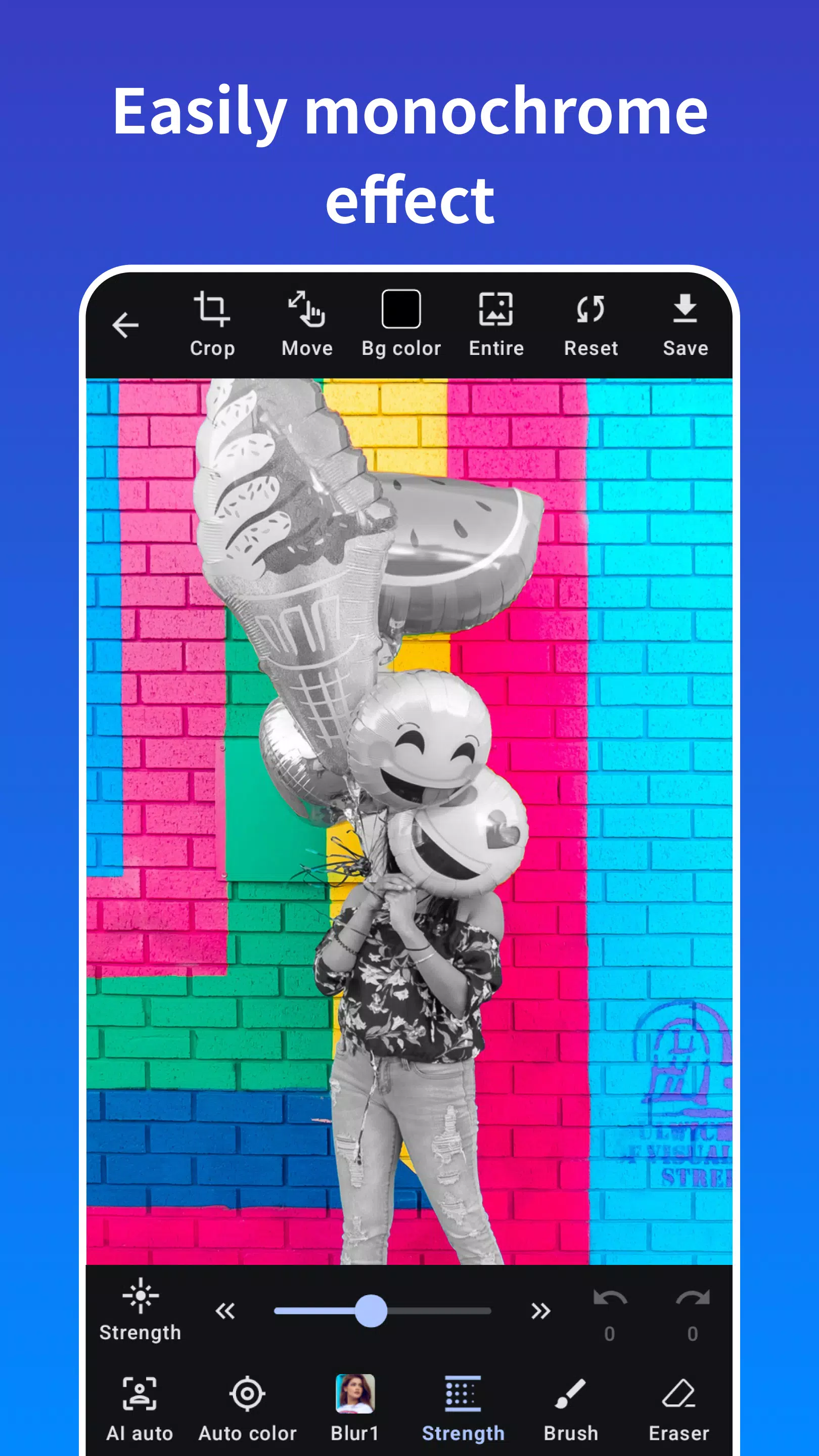
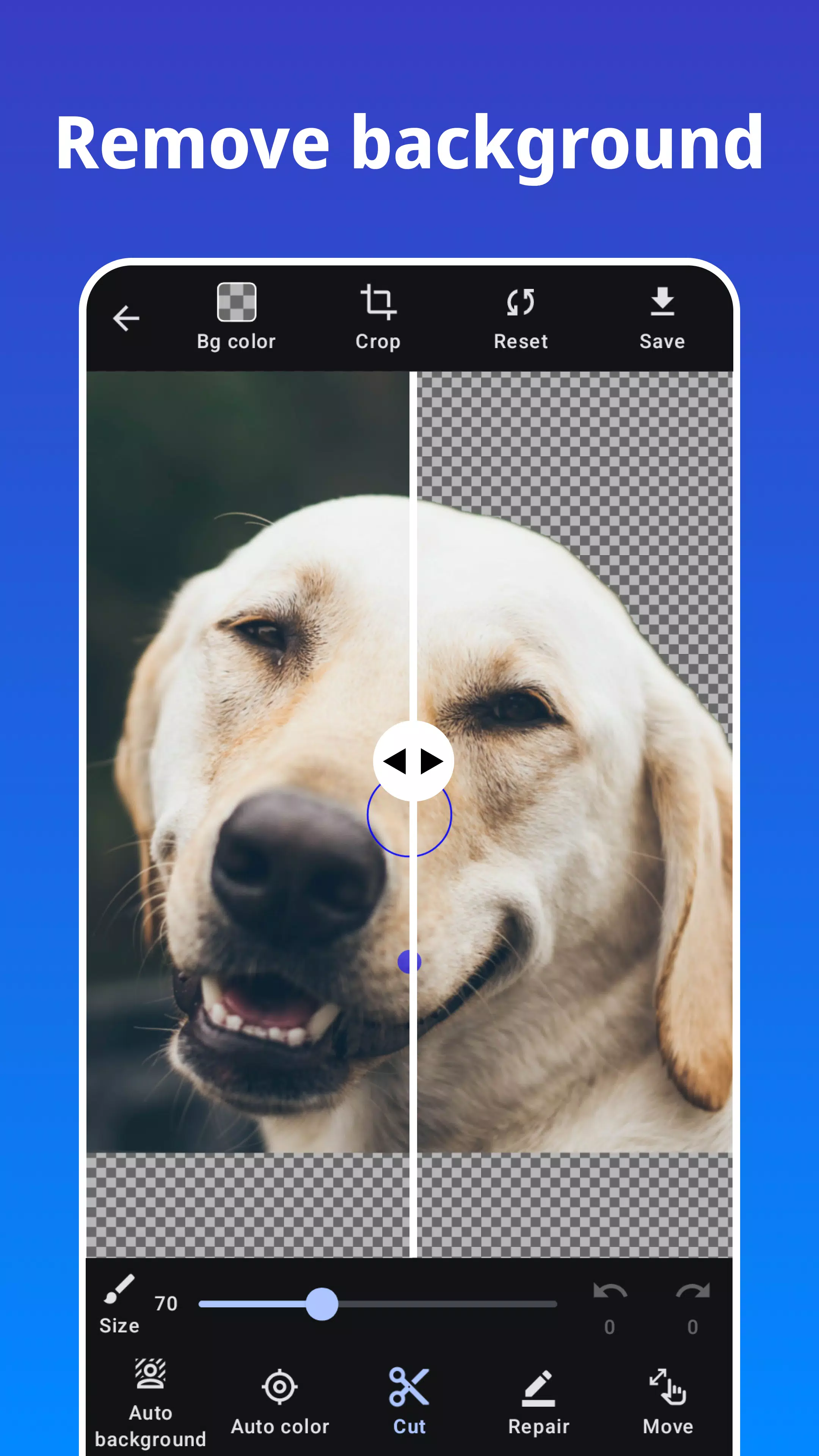
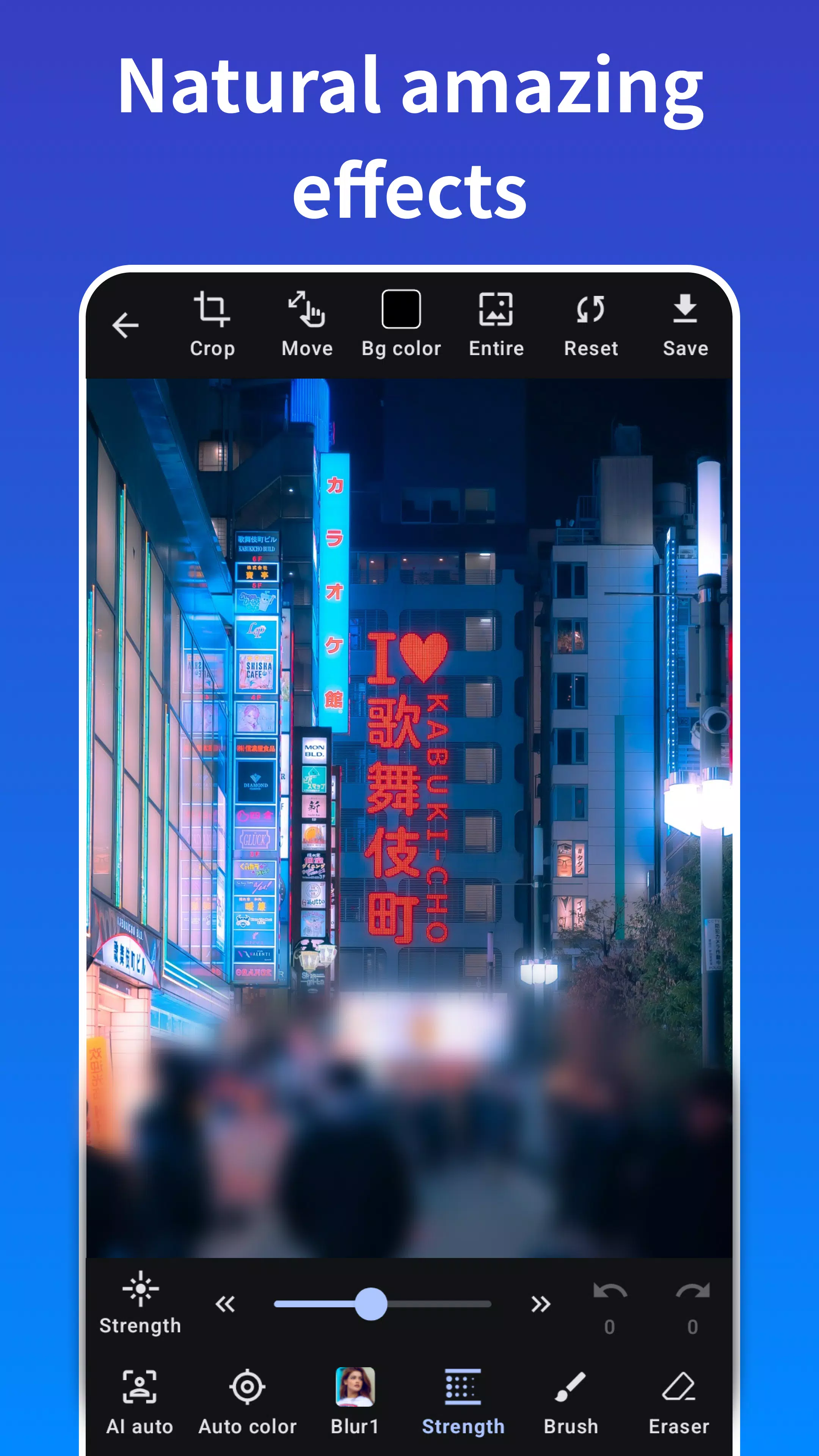


Photo Blur: Your All-in-One Photo Editing and Privacy Tool
Effortlessly create stunning mosaic effects and automatically remove backgrounds with Photo Blur. This powerful picture blur tool offers a range of blur effects for enhancing your images. Beyond blurring, it also functions as a fully-featured photo editor, allowing for precise cropping and cutting.
Quickly and easily add blur and mosaic effects to your photos using intuitive drawing tools. Photo Blur's automatic background cropping, blurring, and mosaicing capabilities simplify image processing with a single tap.
Its advanced face recognition instantly blurs or mosaics faces, even in group photos, protecting personal information like faces, license plates, and other sensitive details. Share your photos confidently on social media with enhanced privacy.
Enjoy a variety of free blur and mosaic effects, including the stylish median blur. Customize your edits with adjustable effect strength for perfect results.
Key Features:
- Blur and mosaic photos with ease.
- Automatic blur and mosaic application.
- One-touch blur with automatic face detection.
- Precise image cropping and cutting.
- Zoom functionality during editing.
- User-friendly eraser tool.
- Adjustable effect intensity.
- Automatic background cropping.
Effect Types:
- Gaussian Blur
- Median Blur
- Box Blur
- Mosaic
Version 1.2.3 (Updated Sep 28, 2024):
Feature improvements and refinements.
-
 2025 Gacha Games: Full Release List
-
 Black Ops 6 Zombies: How To Configure The Summoning Circle Rings on Citadelle Des Morts
-
 Roblox: SpongeBob Tower Defense Codes (January 2025)
-
 Azure Latch Codes (March 2025)
-
 Persona 5: Phantom X Playtest Leaks on SteamDB
-
Chimera Clan Boss Guide: Top Builds, Masteries, and Gear for RAID: Shadow Legends