

Home > Apps > Video Players & Editors > Screen Recorder Video Recorder

| App Name | Screen Recorder Video Recorder |
| Category | Video Players & Editors |
| Size | 79.69M |
| Latest Version | 7.2.0.0 |
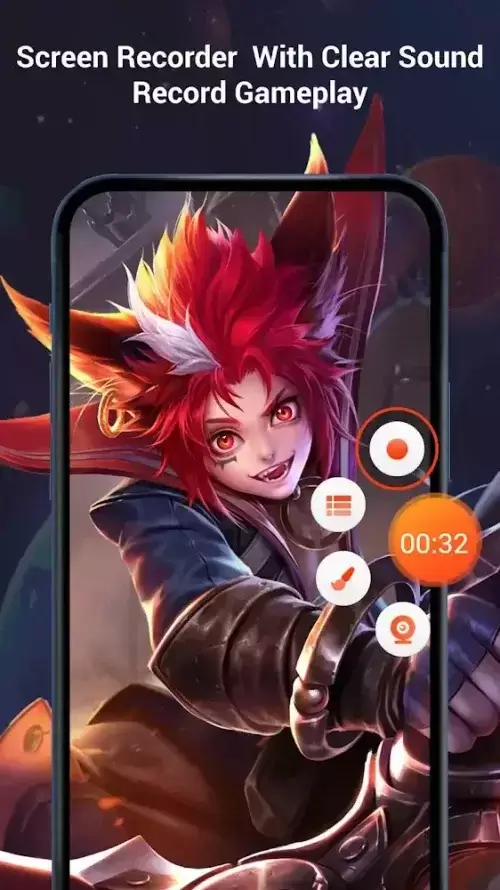
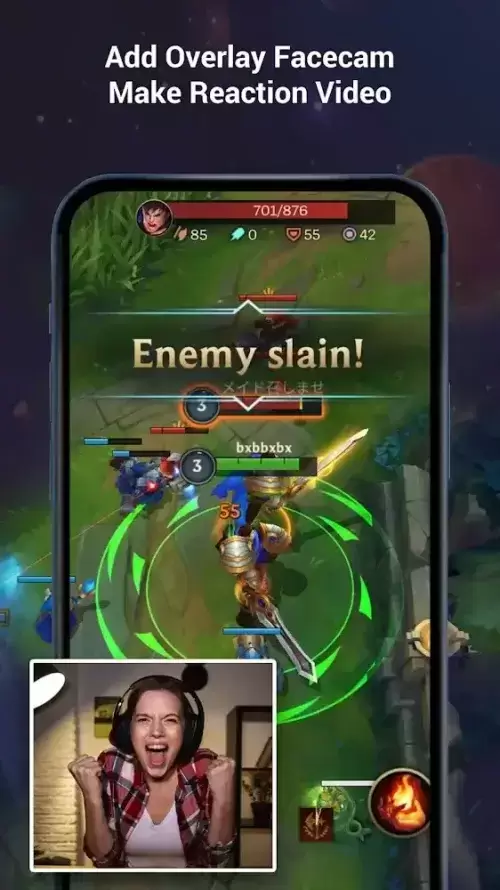


VRecorder: Your Ultimate Screen Recording and Editing Companion
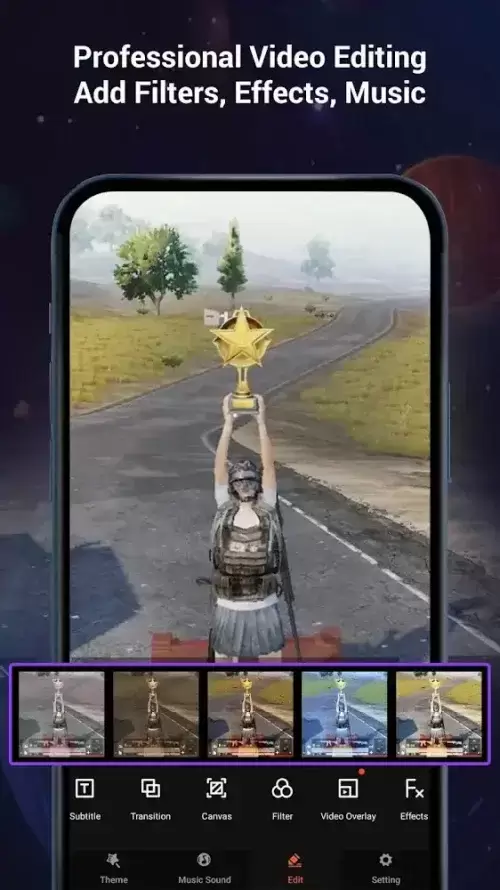
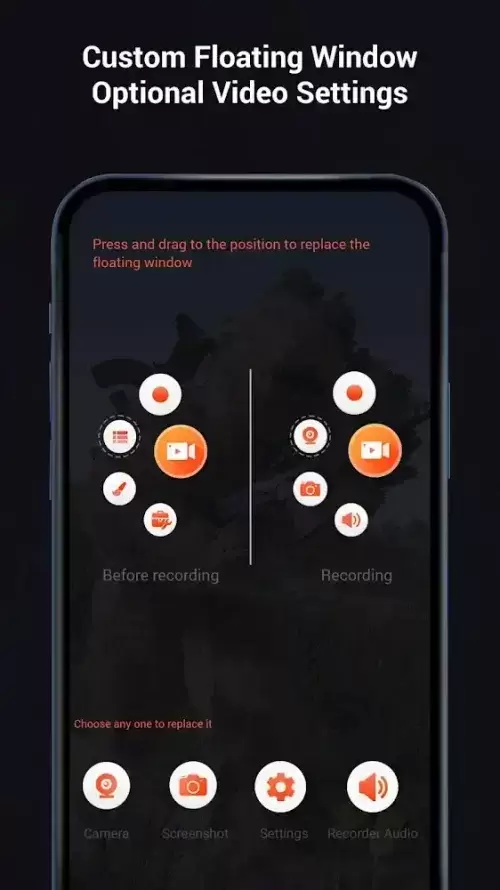
VRecorder boasts a sleek, intuitive interface, making it the perfect screen recording tool for enhancing your video creation workflow. Its intelligently designed layout ensures seamless navigation and effortless editing. Customize your recordings with a wide array of filters, stickers, fonts, and even the innovative Magic Brush tool. Whether you need to adjust video speed, add voiceovers, music, or captions, VRecorder delivers comprehensive functionality. Plus, effortlessly share your creations across multiple social media platforms, expanding your audience reach. Download VRecorder today and unlock your creative potential!
Key Features of VRecorder:
- Intuitive Interface: Enjoy a minimalist yet visually appealing interface designed for ease of use. Detailed instructions and smart controls streamline video editing and exporting, saving you valuable time and effort.
- Effortless Video Editing: Experience high-quality recording and image processing with a rich selection of filters, stickers, icons, fonts, and GIFs. The voiceover feature, complete with noise filtering, guarantees professional results. Adjust video speed, add music, and include captions to create truly captivating videos.
- Magic Brush Tool: Make your videos stand out with the unique Magic Brush tool. Effortlessly blur, cover, or crop unwanted sections, creating polished and engaging content with ease.
- Multi-Platform Sharing: Seamlessly connect the app to various social media platforms for quick and easy file sharing. Compress files for faster transfers while maintaining high-quality output and enjoying guaranteed privacy and security.
User Tips:
- Experiment with different filters and editing tools to achieve visually stunning results.
- Utilize the Magic Brush feature for precise editing and video customization.
- Share your creations across multiple social media platforms with just a few simple taps.
Conclusion:
VRecorder excels as a top-tier screen recording tool, combining a user-friendly interface with advanced editing features and unique tools like the Magic Brush. With its easy social media sharing capabilities and commitment to privacy and security, VRecorder is the ideal solution for all your video recording and editing needs. Download VRecorder now and unleash your creativity!
-
 2025 Gacha Games: Full Release List
-
 Azure Latch Codes (March 2025)
-
 Black Ops 6 Zombies: How To Configure The Summoning Circle Rings on Citadelle Des Morts
-
 Roblox: SpongeBob Tower Defense Codes (January 2025)
-
 Persona 5: Phantom X Playtest Leaks on SteamDB
-
Chimera Clan Boss Guide: Top Builds, Masteries, and Gear for RAID: Shadow Legends