

Home > Apps > Photography > Video Editor & Maker - InShot

| App Name | Video Editor & Maker - InShot |
| Developer | InShot Video Editor |
| Category | Photography |
| Size | 73.85M |
| Latest Version | 2.041.1451 |
| Available on |


InShot: A Comprehensive Video and Photo Editing App
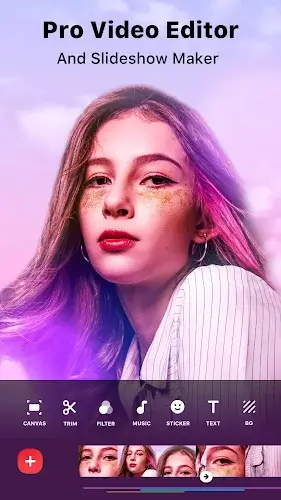
InShot is a versatile mobile application designed for both video and photo editing, offering a wide array of features for content creators of all skill levels. From basic trimming and merging to advanced AI-powered tools, InShot empowers users to craft visually stunning content for various social media platforms, including YouTube, Instagram, TikTok, and more. This review explores its key functionalities and highlights its ease of use.
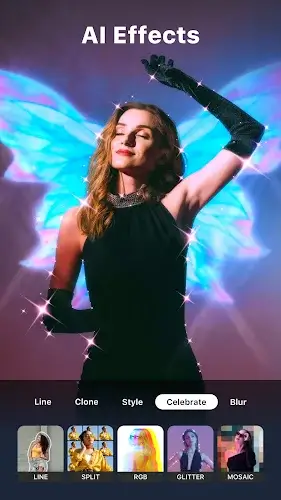
AI-Driven Enhancements: InShot leverages AI to streamline the editing process. AI Body Effects instantly enhance images and videos with pre-set styles, while Auto Captions automatically transcribes audio into text, saving significant time and effort. Furthermore, the Auto Remove Background tool simplifies the process of isolating subjects from their backgrounds.
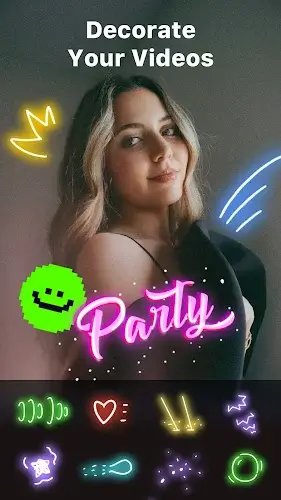
Intuitive Editing Features: The app boasts a user-friendly interface that simplifies complex editing tasks. Users can easily trim, merge, and reverse video clips, add text, emojis, and unique stickers. A robust audio editing suite allows for the incorporation of music, sound effects, and voiceovers, complete with various voice effect options. Advanced features, such as keyframes and chroma key, provide further creative control.
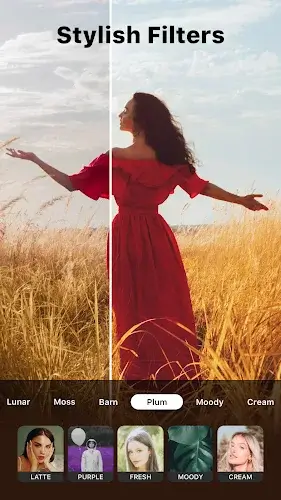
Dynamic Visual Effects: InShot provides a vast library of cinematic filters, effects (including Glitch, Fade, and Noise), and transitions to enhance visual appeal. AI-powered effects like Clone, Stroke, and Auto-blur add a professional touch. The smooth transitions ensure a polished final product.
Photo Editing and Collage Creation: Beyond video editing, InShot excels as a photo editor and collage maker. Users can customize backgrounds, choose from numerous aspect ratios, and utilize a wide selection of stickers. Creating stylish photo collages with diverse layouts is straightforward.
Customization and Sharing: Users can easily adjust canvas sizes and background patterns, or upload their own custom backgrounds. The app supports various export resolutions, including HD and 4K 60fps, ensuring high-quality output for different platforms. Sharing directly to social media is seamlessly integrated.
Conclusion: InShot's combination of powerful features and an intuitive interface makes it an exceptional editing tool for everyone from beginners to experienced creators. Its comprehensive feature set, including support for slow motion and reverse video, along with easy social media integration, makes it a valuable asset for anyone seeking to enhance their visual content. (Note: A link to a modified APK version was omitted as per ethical guidelines.)
-
 2025 Gacha Games: Full Release List
-
 Black Ops 6 Zombies: How To Configure The Summoning Circle Rings on Citadelle Des Morts
-
 Roblox: SpongeBob Tower Defense Codes (January 2025)
-
 Azure Latch Codes (March 2025)
-
 Persona 5: Phantom X Playtest Leaks on SteamDB
-
Chimera Clan Boss Guide: Top Builds, Masteries, and Gear for RAID: Shadow Legends